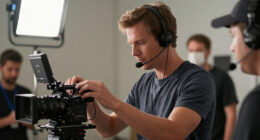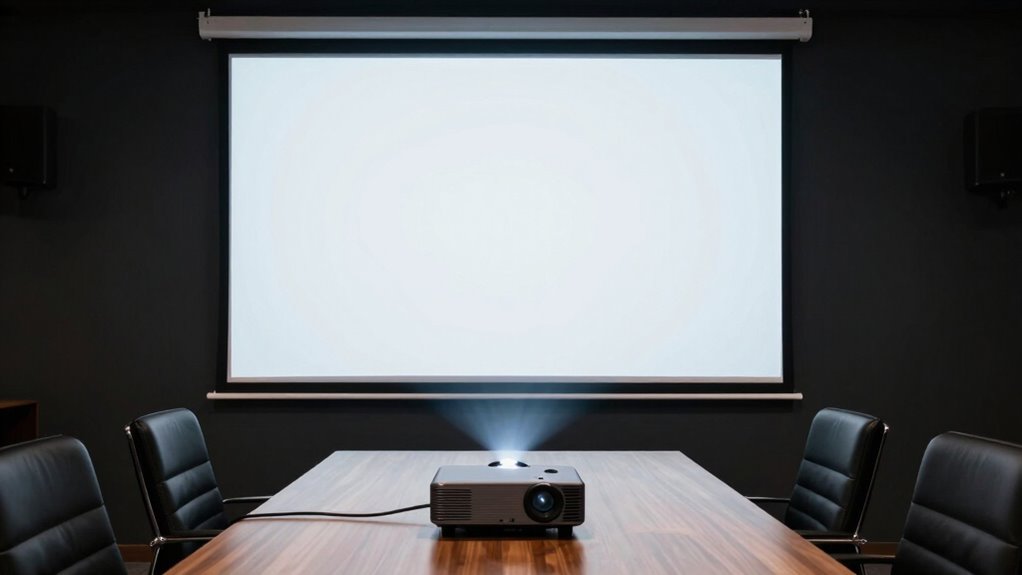

A professional screening setup feels polished when you focus on proper lighting, ensuring the space is bright and free of harsh shadows or glare. Calibrating your equipment guarantees accurate colors and clear visuals, while organized cable management and screen placement at eye level improve comfort and appearance. Good sound quality and minimizing reflections are also key. Paying attention to these details makes your setup look and perform at its best—stick around to discover how to perfect each element.
Key Takeaways
- Proper lighting that is soft, even, and adjustable to eliminate glare and shadows.
- Well-calibrated equipment ensuring accurate colors, contrast, and brightness.
- Organized space with eye-level screen placement and tidy cable management.
- High-quality audio and visuals free from reflections, glare, and distortions.
- Regular maintenance and optimization to maintain a polished, professional environment.
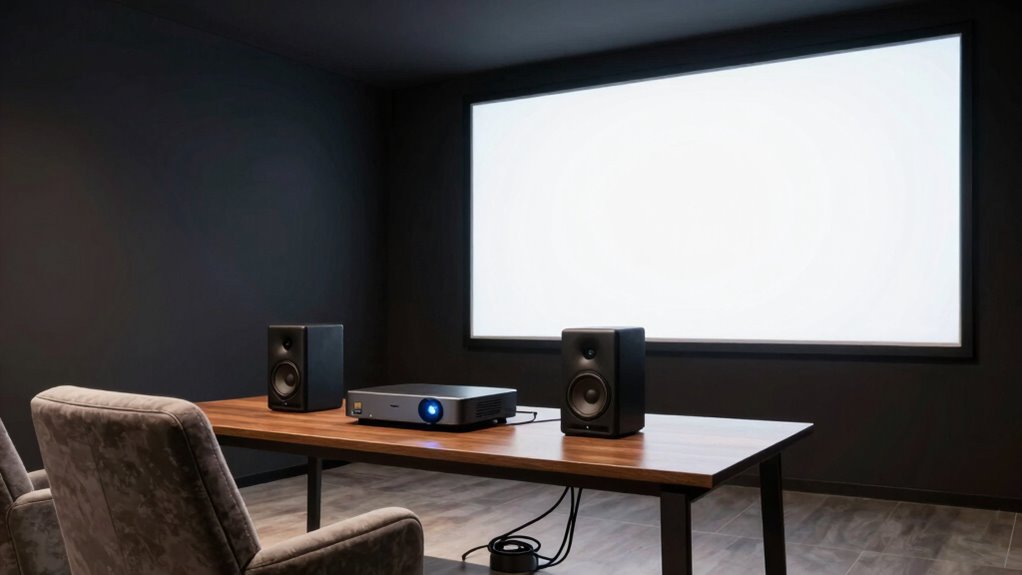
Are you ready to streamline your screening setup for smoother operations? When aiming for a professional feel, one of the first elements you need to focus on is your lighting arrangement. Proper lighting isn’t just about visibility; it sets the tone and enhances the overall quality of your screening environment. You want your space to be well-lit but free from harsh shadows or glare, which can distract viewers or distort image quality. Soft, even lighting that minimizes reflections on screens or surfaces creates a polished look. Position your lights strategically—preferably diffused sources placed at angles that evenly illuminate the space without creating hot spots. This setup ensures viewers stay focused on the content without distractions. Additionally, consider adjustable lighting options so you can tailor the ambiance depending on different screenings or time of day. Regularly reviewing and adapting your setup can help maintain a professional appearance as technology and your needs evolve. Remember, lighting is a key factor in creating a consistent visual environment, so investing time in its setup pays off in the long run. Incorporating lighting control systems can further enhance your ability to fine-tune the atmosphere effortlessly. Ensuring your lighting setup is flexible and adaptable can also help you respond swiftly to changing conditions or specific screening requirements. Paying attention to lighting consistency across different sessions can significantly improve the overall professionalism of your setup.
Equally important is equipment calibration. No matter how good your equipment looks on paper, if it isn’t calibrated correctly, your setup will fall short of a professional appearance. Calibration involves adjusting your display devices—projectors, monitors, or screens—to ensure accurate color, contrast, and brightness. When your equipment is properly calibrated, colors appear vibrant and true to life, enhancing viewer engagement and making your setup look more refined. It also reduces inconsistencies that might occur during different screenings, giving your audience a seamless viewing experience. Regular calibration checks are essential, especially if your equipment is used frequently or over a long period. This practice helps maintain image quality and ensures your setup always looks its best. Proper calibration also contributes to image quality consistency, which is vital for maintaining a professional environment.
Beyond lighting arrangement and equipment calibration, paying attention to details like screen placement, cable management, and sound quality elevates your setup further. Keep cables tidy and hidden where possible to avoid clutter, which can detract from a professional appearance. Position screens at eye level for comfortable viewing and ensure sound systems are balanced and clear, avoiding muffled audio or distracting echoes. When all these elements work together—proper lighting, calibrated equipment, neat organization, and quality sound—you create an environment that exudes professionalism. Your audience will notice the attention to detail and feel confident in the quality of your screenings. Achieving this look doesn’t require expensive equipment or complex setups; it’s about thoughtfully optimizing each component to ensure your screening environment feels polished, consistent, and inviting.
professional LED softbox lighting kit
As an affiliate, we earn on qualifying purchases.
As an affiliate, we earn on qualifying purchases.
Frequently Asked Questions
How Important Is Lighting in a Professional Screening Setup?
Lighting is vital in a professional screening setup because it directly influences image quality and atmosphere. Effective lighting techniques guarantee clear visuals and eliminate shadows, making your content look polished. It also helps in ambiance creation, setting the right mood for viewers. You should focus on balanced, adjustable lighting to improve professionalism and viewer engagement, making your setup appear more credible and inviting.
Can I Use Consumer-Grade Equipment for a Professional Look?
You can definitely use consumer-grade gear for a professional look, especially with the right techniques. While some believe high-end equipment is essential, many budget solutions and consumer gear produce high-quality images when properly set up. Investigate your options, invest in good lighting, and learn effective framing. With skill and attention to detail, your screening setup can look polished and professional without breaking the bank.
What Room Acoustics Enhance a Screening Experience?
To enhance your screening experience, focus on room acoustics by adding acoustic treatment like foam panels or bass traps to absorb echoes and improve sound clarity. Soundproofing your space with door seals, double-glazed windows, or heavy curtains minimizes outside noise disruptions. These adjustments create a controlled environment, ensuring your audio remains crisp and immersive, making every screening feel professional and truly enjoyable.
How Do I Manage Cable Organization Effectively?
Did you know that messy cables can reduce your setup’s efficiency by up to 30%? To manage cables effectively, focus on cable management and organization tips like using cable ties, clips, or sleeves to keep cords tidy. Label each cable for quick identification, and route cables along walls or furniture to avoid clutter. Regularly check and adjust to make certain of safety, accessibility, and a clean, professional look for your screening setup.
Is Background Scenery Crucial for a Professional Setup?
Background scenery is pretty important for a professional setup because it creates a polished look. You should focus on ambient decor and wall color to enhance your space’s visual appeal. Keep the wall color neutral or calming, and add subtle decor that complements your brand. This way, viewers won’t be distracted and will focus on you, making your presentation appear more credible and engaging.
As an affiliate, we earn on qualifying purchases.
Conclusion
A professional screening setup instantly elevates your viewing experience, making it feel seamless and immersive. Remember, a well-placed projector, quality sound, and minimal distractions are key. Did you know that 85% of people say they enjoy movies more when the audio and visuals are clear? So, invest in the right equipment and create a space that invites relaxation and focus. Your perfect home theater is just a few thoughtful tweaks away.
As an affiliate, we earn on qualifying purchases.
As an affiliate, we earn on qualifying purchases.