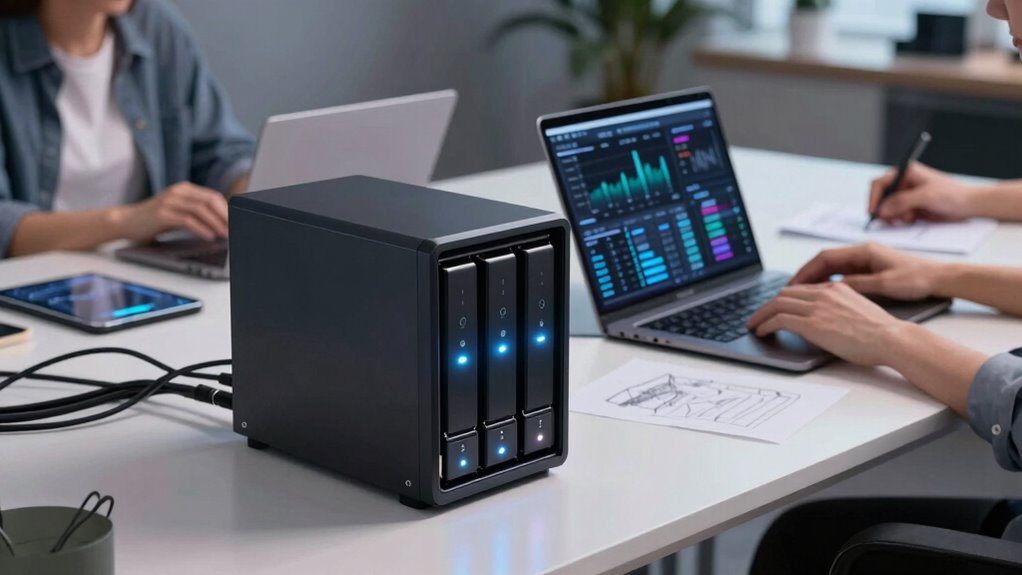
RAID and NAS storage keep your creative projects safe with redundancy and secure backups. They make files accessible from anywhere, boosting collaboration and team productivity. As your storage needs grow, these systems expand easily, preventing space issues during big projects. They also automate backups and manage user permissions, ensuring data remains organized and protected. With reliable access and streamlined workflows, RAID and NAS help your team stay efficient—discover how these solutions can transform your projects as you explore further.
Key Takeaways
- Provides hardware redundancy and data protection, minimizing the risk of data loss during drive failures.
- Centralizes storage for easy access and collaboration from any location, boosting team productivity.
- Supports scalable storage expansion, accommodating growing project data needs seamlessly.
- Automates data backups and manages user permissions, ensuring organized and secure data management.
- Ensures reliable, continuous access to files, reducing downtime and enhancing workflow efficiency.

Are you struggling to keep your creative projects organized and secure? Managing a team of creators means handling large files, multiple versions, and tight deadlines. Without a reliable storage system, you risk losing work or facing delays. That’s where RAID and NAS storage come into play. These technologies are designed to keep your files safe, accessible, and organized, even if hardware issues occur. By implementing RAID configurations, you benefit from hardware redundancy, which means your data is mirrored or distributed across multiple drives. This setup ensures that if one drive fails, your entire project doesn’t come crashing down. Instead, the system continues to operate smoothly, and you can replace the faulty drive without losing any work. This kind of redundancy is vital for creative teams working on time-sensitive projects. Pairing RAID with a NAS device allows you to centralize your storage, making files accessible to everyone on your team from any location. This setup streamlines collaboration, reduces the risk of version conflicts, and simplifies file sharing. Additionally, many NAS systems support cloud backup integration, so your data is automatically copied to a remote server. This adds an extra layer of security, safeguarding your work against physical damage, theft, or local hardware failure. Cloud backup ensures that even if your local NAS hardware is compromised, your projects remain safe and recoverable. Using NAS storage also offers the flexibility to expand storage capacity as your team grows. Instead of constantly replacing individual drives, you can add new drives or upgrade existing ones with minimal disruption. This scalability means you won’t have to worry about running out of space during critical projects. Furthermore, NAS devices often come with built-in features like remote access, user management, and automated backups, giving you complete control and peace of mind. For creative teams, the combination of RAID, NAS, and cloud backup creates a robust environment where data integrity and accessibility are top priorities. It minimizes downtime, prevents data loss, and makes collaboration seamless. Proper understanding of digital security measures is essential to protect your valuable work from cyber threats. You should also consider the importance of redundant storage to ensure data resilience and continuous access. You can focus on your creative work without stressing over data security or storage limitations. Adopting proper data management practices enhances the effectiveness of your storage solutions and ensures long-term data preservation. In short, RAID and NAS storage are powerful tools that support your workflow, protect your assets, and enable your team to operate efficiently. They create a reliable foundation, ensuring that your creative projects stay organized, safe, and accessible whenever you need them.
RAID NAS storage for creative teams
As an affiliate, we earn on qualifying purchases.
As an affiliate, we earn on qualifying purchases.
Frequently Asked Questions
How Do RAID and NAS Impact Data Transfer Speeds?
RAID and NAS storage improve data transfer speeds by utilizing hardware redundancy, which allows multiple drives to work together efficiently. This setup reduces bottlenecks, enabling faster data access and transfer. You benefit from increased performance while maintaining data redundancy, ensuring your files are protected even if a drive fails. Overall, RAID and NAS streamline workflows for creator teams, making large file transfers quicker and more reliable.
What Are the Costs Associated With Setting up RAID and NAS?
You might think RAID and NAS setups are costly, but they’re investments that pay off by safeguarding your data. The costs include hardware compatibility issues, such as compatible drives and controllers, and ongoing expenses like maintenance and upgrades. When doing a cost comparison, consider not just initial setup but long-term reliability and performance benefits. While prices vary, proper planning guarantees you get the best value for your storage needs.
Can RAID and NAS Protect Against All Types of Data Loss?
RAID and NAS storage can’t protect against all data loss types, like physical damage or theft. They mainly offer redundancy and data encryption, which help safeguard your files from hardware failures and cyber threats. For thorough protection, you should implement disaster recovery plans, including off-site backups. Combining RAID or NAS with these strategies ensures your creator team’s data stays secure, even in unexpected situations.
How Scalable Are RAID and NAS Systems for Growing Teams?
RAID and NAS systems are quite scalable for growing teams, especially when you integrate cloud features and remote access. You can easily expand storage capacity by adding drives or upgrading hardware, ensuring your team can handle increasing data needs. Cloud integration allows seamless remote access and collaboration, making it easier to share large files and stay productive no matter where you are. This flexibility keeps your storage solutions aligned with your team’s growth.
What Are the Maintenance Requirements for RAID and NAS Setups?
You’ll need to regularly check firmware updates for your RAID and NAS systems to guarantee peak performance and security. Keeping hardware compatible with firmware updates is essential to prevent issues. Maintenance involves monitoring system health, replacing failing drives promptly, and backing up data. By staying on top of firmware updates and hardware compatibility, you minimize downtime and keep your storage running smoothly, supporting your team’s creative workflow efficiently.
network attached storage (NAS) device with cloud backup
As an affiliate, we earn on qualifying purchases.
As an affiliate, we earn on qualifying purchases.
Conclusion
By now, you see how RAID and NAS storage act like reliable anchors in your creative journey, keeping your work safe and accessible no matter what storms come your way. They’re the sturdy backbone that supports your ideas and projects, making sure your creativity flows smoothly without interruption. Embracing these storage solutions isn’t just a smart move—it’s like planting a seed that grows into a mighty tree, giving you peace of mind and room to innovate.
hardware redundancy NAS drives
As an affiliate, we earn on qualifying purchases.
As an affiliate, we earn on qualifying purchases.
scalable NAS storage solutions
As an affiliate, we earn on qualifying purchases.
As an affiliate, we earn on qualifying purchases.