As you seek flexible, portable editing options, compact setups are growing in popularity because they let you work anywhere without bulky equipment. You can easily fit powerful laptops, external drives, and compact monitors into small spaces, saving costs and time. This trend supports spontaneous, efficient workflows, enabling you to adapt quickly to new projects or environments. Stick with us to discover more ways these setups can transform your editing experience.
Key Takeaways
- Increasing demand for flexible work environments allows editors to work from anywhere, boosting the popularity of compact setups.
- Portable hardware options provide high performance without the need for bulky, expensive traditional editing rigs.
- Cost-effective solutions make professional editing accessible to a broader range of users and freelancers.
- Modern workflows favor quick, spontaneous editing, which compact setups facilitate efficiently.
- Trends toward remote work and content creation emphasize adaptable, space-saving editing solutions.
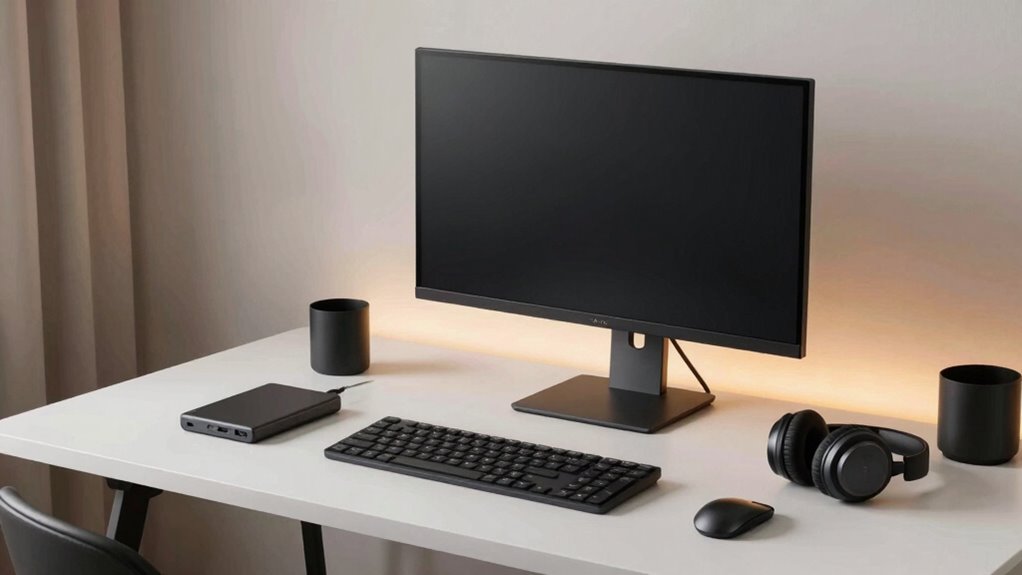
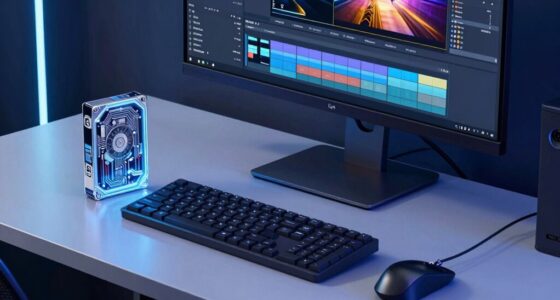
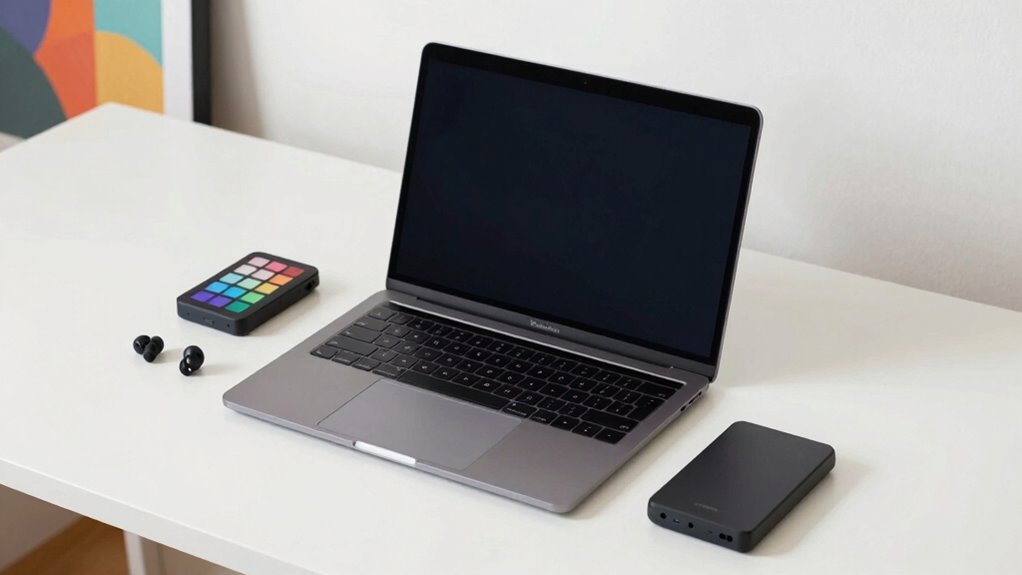
In recent years, more creators and professionals are turning to compact editing setups because they offer greater flexibility and efficiency. You’ll find that these setups fit easily into small spaces, making it simple to work from anywhere—whether you’re at home, traveling, or working in a shared workspace. This mobile flexibility means you’re not tied down to a bulky desk or a dedicated studio, so you can set up and start editing almost anywhere. You might be surprised how much you can accomplish on a lightweight laptop paired with portable accessories like external drives and compact monitors. This mobility allows you to seize editing opportunities on the go, whether during a commute or at a remote location, giving you more control over your workflow and schedule. Additionally, modern portable equipment often incorporates advanced hardware features that enhance performance without sacrificing portability. The affordability of portable editing gear often includes features that support upgradable components, allowing you to adapt your setup as your skills and projects evolve. Another key advantage of compact editing setups is cost efficiency. Traditional editing rigs often involve high expenses—large monitors, powerful desktops, and multiple peripherals—adding up quickly. In contrast, a streamlined setup with a high-performance laptop and minimal accessories can save you a significant amount of money. You avoid the costs associated with larger equipment, rent, and extensive space, all while maintaining the ability to produce professional-quality work. Additionally, portable equipment tends to be more affordable and easier to upgrade incrementally, so you can adapt your setup as your needs grow without a hefty investment upfront. This budget-friendly approach makes professional editing accessible to more people, whether you’re an aspiring creator or a seasoned professional looking to optimize expenses. The combination of mobile flexibility and cost efficiency makes compact setups particularly appealing in today’s fast-paced environment. You no longer need a dedicated editing suite to produce high-quality content. Instead, you can assemble a lightweight, easily transportable system that doesn’t compromise on power or performance. This flexibility allows you to be more spontaneous with your work, taking on projects in diverse locations and adjusting your setup as needed. Plus, with fewer components and a simplified workspace, you spend less time managing equipment and more time focusing on your editing. The growing trend towards compact editing setups reflects a shift toward smarter, more adaptable workflows that align with modern work habits—giving you the freedom to create more efficiently, wherever you are.
portable external hard drive for editing
As an affiliate, we earn on qualifying purchases.
As an affiliate, we earn on qualifying purchases.
Frequently Asked Questions
How Do Compact Setups Compare in Performance to Traditional Editing Stations?
You’ll find that compact editing setups perform well, often matching traditional stations in speed and efficiency, thanks to their ergonomic design that minimizes strain and enhances comfort. Their portability advantages mean you can work from various locations without sacrificing power or functionality. While they may have fewer ports or larger storage options, modern compact setups are optimized for high performance, making them a practical choice for professionals who value mobility without compromising on quality.
What Are the Best Brands for Compact Editing Equipment?
You should consider brands like Dell, ASUS, and LG for compact editing equipment, as they offer portable designs that fit small spaces without sacrificing performance. These brands provide budget-friendly options with high-quality displays and reliable hardware, making them ideal for on-the-go editing. Look for models with powerful processors and sufficient RAM to guarantee smooth workflow, all while keeping your setup lightweight and easy to transport.
Can Compact Setups Handle Multi-Monitor Configurations Effectively?
You can definitely handle multi-monitor configurations with compact setups, creating an immersive workspace that feels both sleek and efficient. Picture a desk where monitors hug your workspace, offering ergonomic benefits like reduced neck strain. These space-saving solutions keep your area uncluttered, making multitasking seamless. With the right mounting options, you can effortlessly arrange multiple screens, transforming your compact setup into a powerhouse for creative editing and productivity.
How Do Compact Setups Impact Workflow Efficiency?
Compact setups boost your workflow efficiency by offering portability advantages, so you can work seamlessly across different locations without hassle. Their ergonomic benefits guarantee you stay comfortable during long editing sessions, reducing strain and fatigue. With everything within easy reach, you save time switching between tools. This streamlined design helps you stay focused, increases productivity, and makes multitasking smoother, ultimately enhancing your overall editing experience.
Are Compact Editing Setups Suitable for Professional Film Editing?
Yes, compact editing setups are suitable for professional film editing, especially when their ergonomic design and portability advantages align with your needs. You might find that the convenience of a space-saving, lightweight system allows you to work efficiently on location or in tight spaces. This coincidence of professional quality and practical design guarantees you can maintain high standards without sacrificing mobility, making these setups a smart choice for demanding editing tasks.
compact portable monitor for laptops
As an affiliate, we earn on qualifying purchases.
As an affiliate, we earn on qualifying purchases.
Conclusion
As you explore the world of compact editing setups, you’ll find they’re quietly becoming the preferred choice. Their unobtrusive design gently invites you to focus and create without distraction, making your workspace feel more like a sanctuary. Embracing this subtle shift means you’re embracing efficiency and comfort, all while maintaining the freedom to grow. So, as you adapt to these sleek solutions, you’re simply paving the way for a smoother, more inspiring editing journey ahead.
As an affiliate, we earn on qualifying purchases.
mobile editing setup accessories
As an affiliate, we earn on qualifying purchases.
As an affiliate, we earn on qualifying purchases.