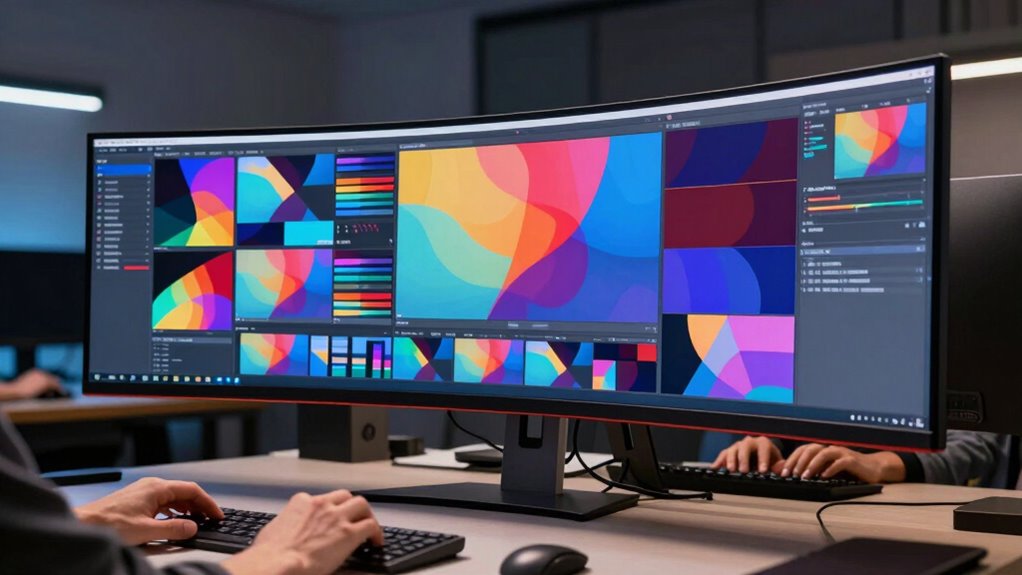

Ultrawide monitors appeal to editors because they give you a broad, seamless workspace, reducing the need for multiple screens and making complex projects easier to handle. They can improve your workflow, cut clutter, and offer better ergonomic comfort. But they can also be overwhelming or pricey, especially if your workspace isn’t suited for them. If you keep exploring, you’ll discover more about how these monitors can fit your editing needs and preferences.
Key Takeaways
- Ultrawide monitors enhance editing workflows with a seamless, expansive workspace, reducing the need for multiple screens and tab switching.
- They offer ergonomic benefits by minimizing neck and eye movement, supporting longer, more comfortable editing sessions.
- Their high-resolution displays improve image clarity and color accuracy, crucial for detailed editing tasks.
- The large size and curved design can be overwhelming or unsuitable for some users and desk setups.
- The high cost and potential compatibility issues cause debate over their overall value for different editing environments.
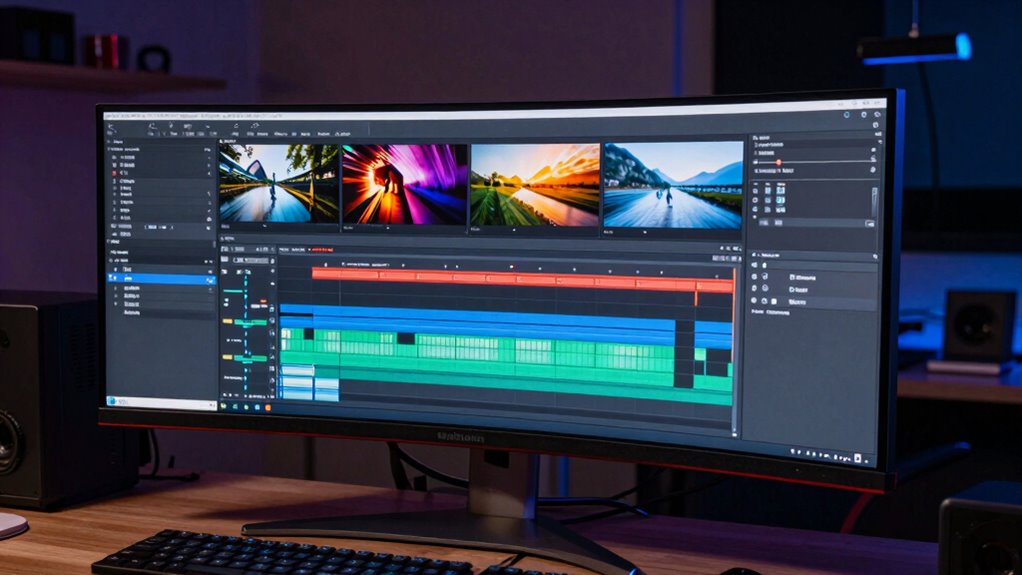
In today’s fast-paced editing workflows, ultrawide monitors have become a game-changer, offering you a broader, more seamless workspace. Instead of juggling multiple screens or constantly switching between tabs, you get a panoramic view that streamlines your editing process. This setup can boost your productivity significantly, especially when working on complex projects that demand multiple timelines, palettes, and reference materials open simultaneously. One of the key reasons many editors are drawn to ultrawide monitors is their cost efficiency. Instead of investing in several smaller screens, you get a single, expansive display, which can be more affordable over time. Plus, maintaining one screen setup reduces clutter, minimizes cable management issues, and simplifies your workspace, saving you both money and space.
Ultrawide monitors streamline editing with a broad workspace, boosting productivity and reducing clutter and costs.
Beyond cost efficiency, ergonomic benefits play a crucial role in why ultrawide monitors appeal to editors. Working on multiple monitors often means constant neck and eye movement, which can lead to strain and fatigue. An ultrawide monitor consolidates your workspace into one large display, allowing you to keep your head and eyes more stationary. This reduces physical strain and enhances comfort during long editing sessions. Additionally, many ultrawide monitors feature adjustable stands and curved screens, which help you find a more natural viewing angle, further improving ergonomics. Less strain means you can work longer hours without discomfort, ultimately supporting your health and efficiency. Furthermore, the resolution capabilities of ultrawide monitors often enable sharper images and better color accuracy, which is essential for detailed editing work. As technology advances, the display technology used in ultrawide monitors continues to improve, offering even better performance for creative professionals. The increasing availability of high-refresh-rate displays also enhances smoothness during playback and editing, benefiting dynamic workflows. Moreover, advancements in adaptive sync technology help reduce screen tearing and stuttering, ensuring a smoother visual experience. It’s also worth noting that biodiversity in display options allows users to select models that best suit their specific needs and preferences.
However, ultrawide monitors also divide opinion, and that’s mainly because they’re not perfect for everyone. Some editors find that the enormous screen can be overwhelming, making it difficult to focus on specific tasks without feeling visually overloaded. The curvature of certain models may not suit all users, especially if you prefer a flat display or have limited desk space. Moreover, ultrawides can be expensive upfront, especially high-quality models with advanced features, which might deter those on a tight budget. Compatibility issues can also arise, as some editing software or hardware setups may not fully support ultrawide resolutions, leading to potential frustrations or the need for workarounds.
Despite these drawbacks, many editors swear by ultrawide monitors for their workflow advantages, especially in terms of cost efficiency and ergonomic benefits. They’re a powerful tool for those who need a broad view and a streamlined workspace, but they’re not a universal solution. Your decision ultimately depends on your specific editing needs, workspace constraints, and personal preferences. If you value an expansive workspace that reduces clutter and enhances comfort, ultrawide monitors could be a game-changer. But if you prefer a more modular setup or have space limitations, you might want to weigh the pros and cons carefully.
As an affiliate, we earn on qualifying purchases.
Frequently Asked Questions
Do Ultrawide Monitors Improve Editing Accuracy?
Ultrawide monitors can improve your editing accuracy by providing a broader view, which helps you see more details and manage multiple tasks simultaneously. With better color accuracy, your visuals appear more true to life, reducing mistakes. Plus, multitasking efficiency increases, so you can work faster and more precisely. However, some editors find the size overwhelming or struggle with software compatibility, making the overall impact subjective.
Are Ultrawide Screens Compatible With All Editing Software?
Ultrawide screens are generally compatible with most editing software, but check for support of the aspect ratio and screen curvature. Some programs might require adjustments to display correctly or optimize workspace. While many editors find the expanded view enhances workflow, others face challenges with software that’s not designed for ultrawide aspect ratios. Always verify your preferred editing software’s compatibility to guarantee seamless integration.
How Do Ultrawide Monitors Affect Workspace Ergonomics?
Like Da Vinci’s meticulous workspace, your ultrawide monitor influences your ergonomic adjustments and workspace layout. It offers an expansive view, reducing neck strain, but can also cause clutter if not arranged properly. You need to optimize your monitor height, maintain good posture, and organize your desk to prevent fatigue. Proper ergonomic setup guarantees that the wide screen enhances productivity without compromising comfort during long editing sessions.
What Is the Typical Lifespan of an Ultrawide Monitor?
You can expect an ultrawide monitor to last around 3 to 5 years with proper care. Its lifespan depends on design aesthetics, build quality, and usage intensity. If you prioritize high-end models, they might last longer, but they often come with higher price considerations. Regular maintenance, such as avoiding static images and keeping it clean, can extend its life, ensuring you get the most value out of your investment.
Are Ultrawide Monitors More Energy-Efficient Than Standard Monitors?
Ultrawide monitors generally aren’t more energy-efficient than standard monitors. Their larger screens and higher resolutions often lead to increased energy consumption, meaning they use more power during operation. While some models are designed for better power efficiency, overall, ultrawide screens tend to consume more energy. If you’re concerned about energy consumption, you might want to compare specific models’ power efficiency ratings before making a choice.
high resolution curved ultrawide monitor
As an affiliate, we earn on qualifying purchases.
As an affiliate, we earn on qualifying purchases.
Conclusion
While ultrawide monitors can feel overwhelming or even impractical at first, they truly unleash a new level of creativity and efficiency. Imagine seamlessly editing without constant window switching, feeling more connected to your work—and your vision. Don’t let doubts hold you back from embracing the future of editing. With a little patience, you’ll discover how these expansive screens can inspire you, making every project feel more immersive and rewarding than ever before.
ergonomic ultrawide monitor stand
As an affiliate, we earn on qualifying purchases.
As an affiliate, we earn on qualifying purchases.
As an affiliate, we earn on qualifying purchases.