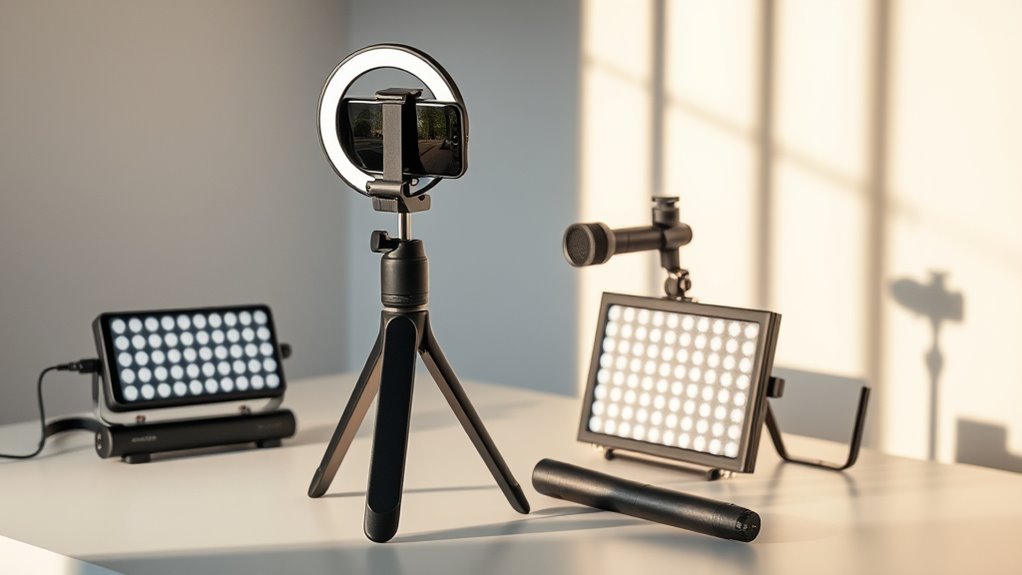

To create engaging short-form vertical videos, you can use user-friendly tools like InShot, CapCut, or Adobe Premiere Rush. These apps offer intuitive editing features, pre-made templates, quick cuts, text overlays, and visual effects to keep viewers hooked. You can also add music, sound effects, and voiceovers effortlessly. By leveraging these tools and techniques, you’ll craft compelling stories that stand out. Keep going to uncover more tips to elevate your video content.

Get movie-night favorites delivered free — and shop member deals
- Fast, free delivery on millions of items
- Access to Prime Big Deal Days deals on October 6–7
- Prime Video, Amazon Music and more included
Key Takeaways
- User-friendly apps like InShot, CapCut, and Adobe Premiere Rush offer intuitive interfaces and drag-and-drop editing for quick vertical video creation.
- Pre-made templates tailored for vertical formats simplify the design process and ensure consistent, engaging content.
- Built-in audio libraries, voiceover options, and sound effects enhance storytelling and viewer engagement.
- Visual effects, filters, and color grading tools help set moods and make videos visually appealing.
- Cloud-based platforms with real-time collaboration streamline workflows for faster content production.
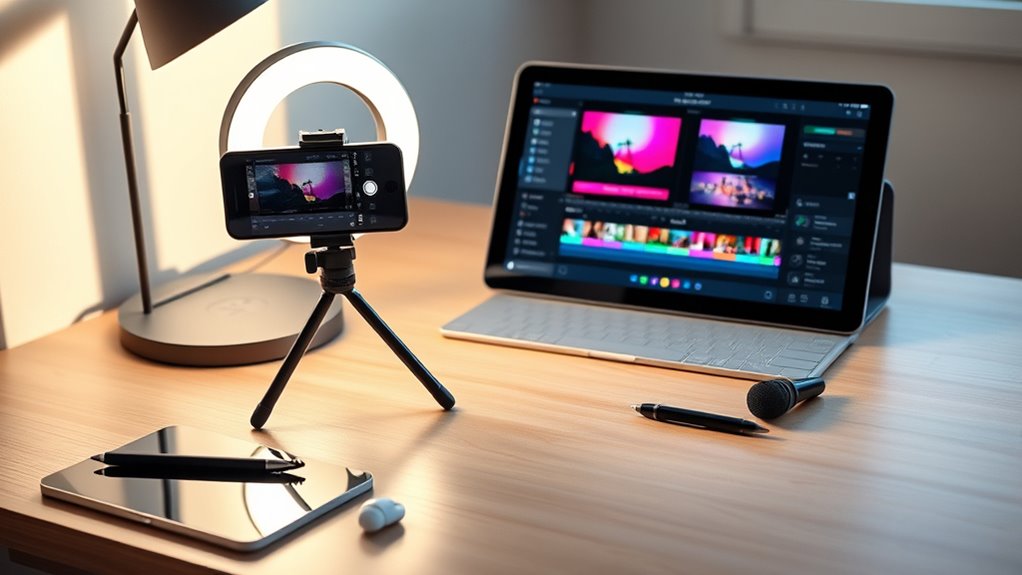
Creating short-form vertical videos has become essential for capturing attention on platforms like TikTok, Instagram Reels, and YouTube Shorts. To craft engaging content that stands out, you need the right tools for video editing and storytelling techniques. These tools help you transform raw footage into polished, compelling videos that resonate with your audience.
Creating engaging short-form videos requires the right tools and storytelling techniques to captivate your audience.
When selecting a video editing tool, look for features that simplify the process. Intuitive interfaces, drag-and-drop editors, and pre-made templates can save you time and reduce frustration. For instance, apps like InShot, CapCut, and Adobe Premiere Rush offer user-friendly options specifically designed for vertical videos. They provide essential editing features such as trimming, cropping, progression, and text overlays, enabling you to craft a cohesive story in a short span. You’ll want to focus on storytelling techniques that keep viewers hooked from start to finish. Quick cuts, engaging hooks within the first few seconds, and clear narratives help maintain viewer interest. Many editing tools include features like motion graphics, animated text, and effects that enhance storytelling, making your message more memorable.
Sound design also plays a vital role in storytelling. With built-in audio libraries and easy-to-use editing features, you can add music, voiceovers, or sound effects to complement your visuals. Tools like TikTok’s native editor or CapCut allow you to synchronize audio with your footage seamlessly, emphasizing key moments and guiding viewers through your story. Visual effects, filters, and color grading are equally important. They can set the mood, reinforce your brand, or highlight important elements within your video. Using these features thoughtfully enhances storytelling techniques by making your videos more dynamic and visually appealing. Additionally, understanding projector contrast ratio can help you create videos with better visual clarity and impact, especially in varying lighting conditions. Collaborating with others is another advantage of many modern tools. Cloud-based platforms like Adobe Premiere Pro or Canva enable multiple users to review and edit videos simultaneously, streamlining your workflow. As you work, keep in mind that the best short-form videos tell a clear, concise story. Focus on delivering your message quickly and effectively, leveraging the editing features at your disposal to craft a narrative that captures attention and leaves a lasting impression.
As an affiliate, we earn on qualifying purchases.
Frequently Asked Questions
What Are the Best Tools for Beginners to Start Creating Vertical Videos?
You should start with user-friendly tools like InShot or CapCut, perfect for beginners. They support the ideal video format for vertical videos and offer mobile editing features, so you can create on the go. These apps have intuitive interfaces, making it easy to trim, add effects, and adjust your videos quickly. With these tools, you’ll learn the basics of vertical video creation without feeling overwhelmed.
How Do I Choose the Right Editing Software for My Vertical Videos?
Ever wonder how to pick the perfect editing software for your vertical videos? Start by considering the video resolution you want—higher resolutions look better, but may need more processing power. Next, check the user interface; it should be intuitive and easy to navigate. You want a tool that fits your skill level and helps you create engaging content quickly. Choose wisely, and your videos will stand out effortlessly.
Can These Tools Help With Adding Special Effects and Animations?
Yes, these tools can definitely help you add visual effects and animation features to your videos. You can easily incorporate eye-catching shifts, overlays, and creative animations that make your content stand out. Most editing software offers user-friendly options, so you don’t need to be a pro. With these features, you can enhance your videos, making them more engaging and visually appealing for your audience.
Are There Free Tools Available for Creating High-Quality Vertical Videos?
Did you know that over 70% of social media videos are now created with free tools? Yes, there are free options available that let you produce high-quality vertical videos without spending a dime. You can find apps like CapCut, InShot, and VN that offer excellent features, ensuring your videos look professional. These tools help you create engaging, sharp content easily while maintaining great video quality.
How Do I Optimize My Videos for Different Social Media Platforms?
To optimize your videos for different social media platforms, start by adjusting the aspect ratio to match each platform’s guidelines—like 9:16 for Instagram Stories or TikTok, and 1:1 for Facebook posts. Tailor your content’s length, format, and style accordingly. Keep captions clear and engaging, and include platform-specific features like hashtags or overlays. This guarantees your videos look professional and perform well across all your social media channels.
As an affiliate, we earn on qualifying purchases.
Conclusion
Now that you have these tools at your fingertips, creating eye-catching short-form vertical videos becomes as easy as pie. Think of them as your trusty paintbrushes, ready to bring your creative ideas to life on the digital canvas. With a little practice, you’ll be turning simple clips into engaging stories that grab attention and leave a lasting impression. So go ahead—dive in and start crafting videos that shine brighter than a shooting star!
Adobe Premiere Rush for short videos
As an affiliate, we earn on qualifying purchases.
As an affiliate, we earn on qualifying purchases.
video editing tools with sound effects
As an affiliate, we earn on qualifying purchases.
As an affiliate, we earn on qualifying purchases.
Halloween Picks
halloween
As an affiliate, we earn on qualifying purchases.