
As a trailer editor, you need a desktop workflow that’s fast, reliable, and intuitive. This means having powerful hardware like a high-performance GPU and plenty of RAM to handle color grading, audio, and media seamlessly. Efficient media management and automation tools help you quickly organize assets and reduce repetitive tasks. Smooth rendering, real-time previews, and optimized storage keep your creative momentum flowing. If you keep exploring, you’ll discover how to build a workflow that keeps you ahead.
Key Takeaways
- Fast, reliable media management for quick access and organization of footage and assets.
- Powerful hardware with high-performance GPUs and ample RAM for smooth editing and real-time previews.
- Efficient color grading and visual enhancements for quick creative adjustments.
- Seamless audio editing with minimized lag and access to sound libraries.
- Workflow automation and customizable shortcuts to boost productivity and reduce repetitive tasks.
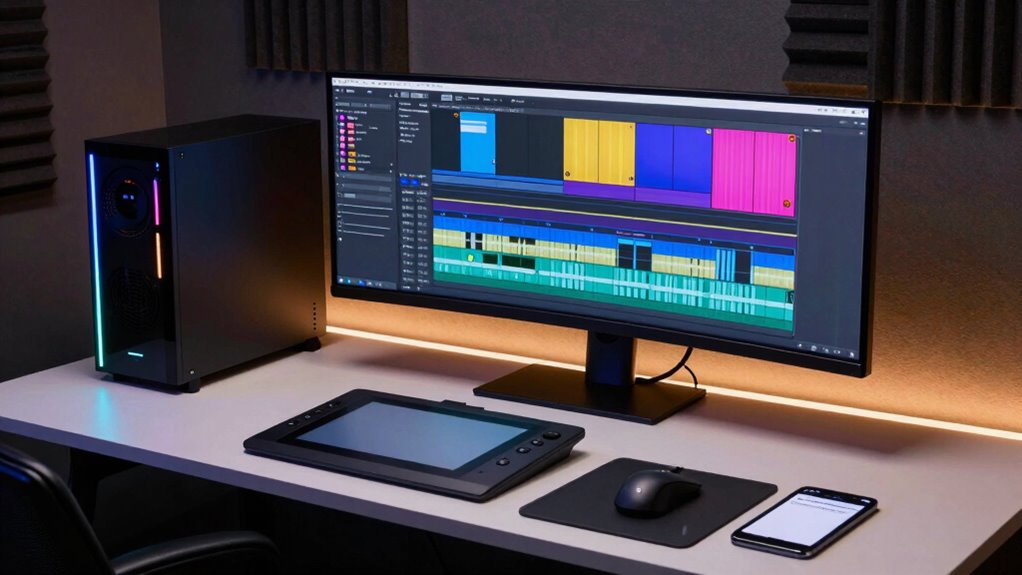
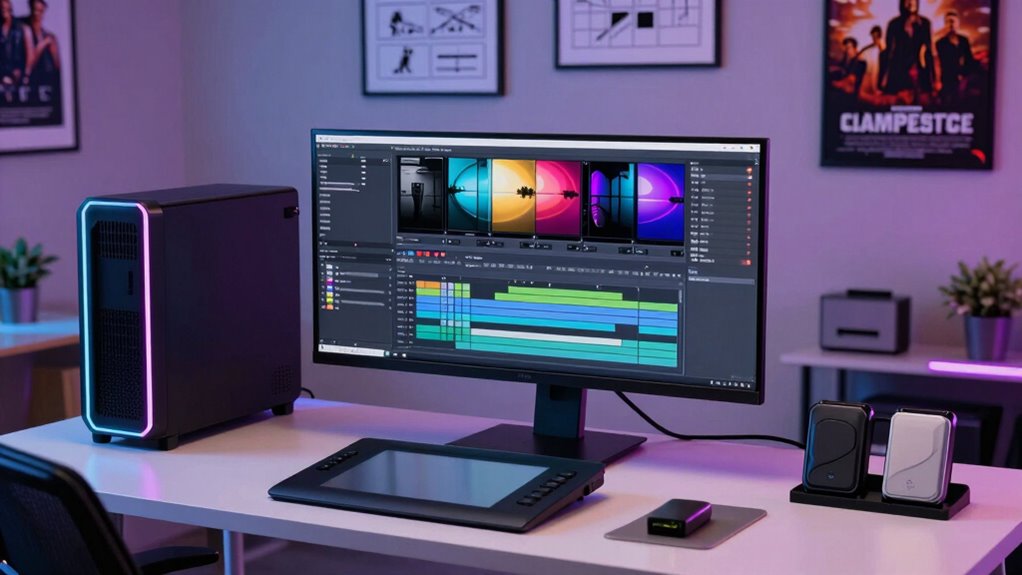
Creating engaging movie trailers requires a streamlined desktop workflow that keeps editors agile and efficient. When you’re working under tight deadlines, every second counts, and a smooth process helps you deliver captivating trailers without unnecessary stress. One of the key elements in this workflow is having quick access to powerful tools for color grading. You want your editing setup to allow seamless adjustments to the trailer’s look, so you can enhance mood, emphasize branding, or create dramatic effects instantly. The ability to fine-tune colors on the fly ensures your trailer looks polished and professional, capturing viewers’ attention from the first frame. Fast rendering times and real-time previews are essential here, so you don’t waste time waiting for changes to take effect. The right desktop setup should support high-performance GPUs and ample RAM, enabling you to manipulate complex color grades smoothly. Additionally, a well-configured system can support real-time previews, which are vital for maintaining your creative flow during editing. Sound design is equally critical in trailer editing. Your workflow needs to incorporate fast and reliable audio editing capabilities so you can craft a punchy, immersive soundscape that complements the visuals. Whether you’re syncing sound effects, adjusting dialogue, or layering music, you want a system that minimizes lag and streamlines your audio workflow. Having dedicated audio hardware or optimized sound plugins can make a significant difference, allowing you to experiment freely and make quick adjustments. Effective sound design amplifies tension, heightens emotion, and elevates the overall impact of your trailer, so your workflow must facilitate rapid iteration and easy access to sound libraries. Beyond visual and audio elements, a streamlined desktop workflow also involves efficient media management. You need a setup that allows swift importing, organizing, and accessing footage, effects, and assets. This reduces the risk of losing valuable time searching for files or dealing with crashes. Incorporating automation tools can further enhance your efficiency by reducing repetitive tasks and ensuring consistency across projects. Automations, hotkeys, and customizable shortcuts help you stay in the zone, avoiding disruptions that slow down your creative flow. Additionally, consistent hardware performance is essential to prevent lag and ensure smooth editing sessions. Investing in quality storage solutions can also support your workflow by providing fast access speeds and reliable data transfer, reducing downtime and preventing data loss. In essence, your desktop workflow must be a well-oiled machine—supporting fast rendering, real-time previews, and seamless integration of all elements. When you optimize for quick color grading adjustments, efficient sound design, and effective media management, you gain the agility needed to craft trailers that stand out. This setup empowers you to focus on creativity rather than technical hurdles, ensuring every trailer you produce is engaging, polished, and delivered on time.
high performance GPU for video editing
As an affiliate, we earn on qualifying purchases.
As an affiliate, we earn on qualifying purchases.
Frequently Asked Questions
How Do I Optimize My Desktop for Faster Trailer Editing?
To optimize your desktop for faster trailer editing, prioritize a powerful CPU and ample RAM to handle sound design and high-resolution footage smoothly. Keep your workspace organized with a clear script layout to streamline editing. Use fast storage like SSDs to reduce load times, and regularly update your software. These steps help you work efficiently, focus on sound design details, and keep your project flow seamless.
What Hardware Specs Are Essential for Seamless Trailer Editing?
You need a powerful processor, ample RAM, and a high-end GPU for seamless trailer editing. Hardware upgrades like faster SSD storage solutions help you access media quickly, reducing lag. Investing in a multicore CPU and at least 32GB RAM guarantees smooth performance, especially when working with 4K or higher resolutions. Reliable storage solutions prevent data loss and boost workflow efficiency, making your editing process faster and more reliable.
How Can I Manage Large Media Files Efficiently?
To manage large media files efficiently, focus on solid media organization and reliable storage solutions. You should categorize and label files systematically to find what you need quickly. Invest in high-capacity, fast storage options like SSDs or NAS systems to handle large files smoothly. Regularly back up your media, and consider using dedicated media management software to streamline your workflow, reducing clutter and minimizing the risk of data loss.
Which Editing Software Best Suits Trailer Workflows?
You should choose editing software like Adobe Premiere Pro or DaVinci Resolve, which excel in trailer workflows. They support storyboard planning, allowing you to visualize scenes easily, and have robust sound design tools to craft impactful audio. These programs enable quick iteration, seamless media management, and precise editing, making them ideal for trailer editors who need efficiency and creative control in a streamlined desktop environment.
How Do I Ensure Color Accuracy Across Different Monitors?
To guarantee color accuracy across your monitors, start with proper monitor calibration using a reliable calibration tool. Regularly perform color calibration to maintain consistency, especially when working with different screens. This process adjusts your monitor’s display settings for true-to-life colors. Keep your calibration software updated and calibrate in a controlled environment, avoiding direct light. Consistent monitor calibration guarantees your trailers appear vibrant and accurate on every device.
professional media management software
As an affiliate, we earn on qualifying purchases.
As an affiliate, we earn on qualifying purchases.
Conclusion
In the fast-paced world of trailer editing, your desktop workflow is the engine that keeps everything running smoothly. When you streamline your tools, stay organized, and prioritize efficiency, you’ll find yourself sailing through projects instead of battling choppy waters. Think of your workflow as the backbone of your creativity—strong and reliable. Keep it tuned up, and you’ll always be ready to hit the ground running, turning ideas into enthralling trailers that leave audiences excited for more.
audio editing hardware for trailers
As an affiliate, we earn on qualifying purchases.
As an affiliate, we earn on qualifying purchases.
desktop storage solutions for video editing
As an affiliate, we earn on qualifying purchases.
As an affiliate, we earn on qualifying purchases.