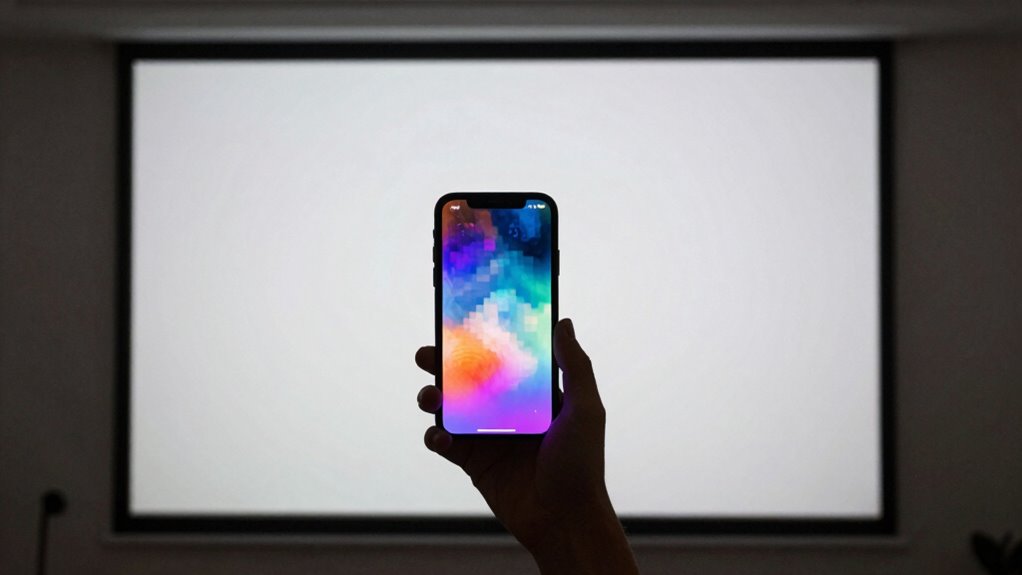

When you project content, the larger display reveals flaws hidden on small screens, like blurry text, thin lines, and dull colors. Small screens often mask issues with contrast, sharpness, and clarity, making problems less noticeable. When scaled up, these flaws become obvious and can distract your audience. To improve your presentation, you need to understand how projection exposes these hidden issues. Keep exploring to discover how to optimize your visuals for any display size.
Key Takeaways
- Enlarging visuals during projection exposes blurry, pixelated, or cluttered content that small screens conceal.
- Small screens often hide contrast and color issues, which become obvious when scaled up for projection.
- Thin lines and fine details are difficult to see on small screens but are magnified and scrutinized in projection.
- Content optimized for small screens may appear unclear or distorted when projected at larger sizes.
- Testing visuals in projected form helps identify and correct flaws invisible on small displays.
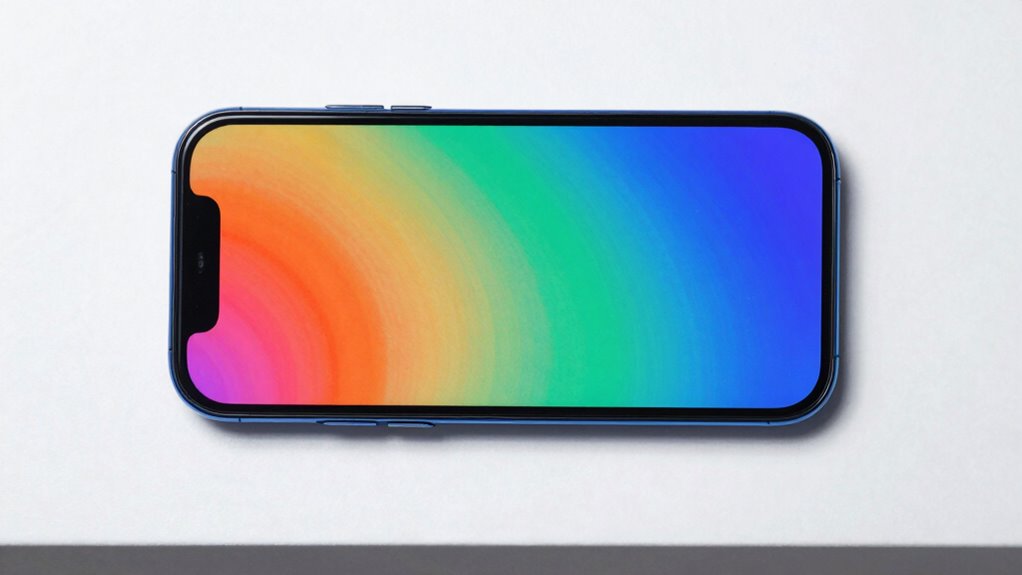
When you project your screen, hidden issues with small displays often become more obvious. This shift in perspective can be eye-opening because what seemed clear on a tiny screen may suddenly look muddled or cluttered when enlarged. Projected viewing exposes details that are easily overlooked, especially regarding audience engagement. Small screens tend to conceal flaws in content clarity—things like blurry text, thin lines, or indistinct images—that don’t register until they’re magnified. As a result, viewers may struggle to follow along or lose interest because the visual presentation isn’t as sharp or compelling as it appeared before projection.
Projection reveals hidden small-screen flaws, making blurry text and indistinct images stand out and impact audience engagement.
You might notice that certain fonts or images, which seemed perfectly legible and vibrant on your device, become fuzzy or pixelated when projected. This discrepancy highlights the importance of designing content with clarity in mind, knowing it will be viewed on larger displays. Content that’s easy to read and visually appealing on a small screen often requires adjustments when projected—thicker fonts, higher contrast, and simpler graphics help maintain audience engagement. When viewers see text that’s hard to decipher or visuals that lack detail, they tend to disengage faster, making audience connection more difficult.
Projection also reveals issues related to contrast and color accuracy. Small screens sometimes mask these problems because the display’s brightness and color saturation can compensate for less-than-ideal visuals. However, when projected, poor contrast or color mismatches become glaring flaws, distracting your audience and diminishing content clarity. If your goal is to keep viewers engaged, you need to guarantee that your visuals are optimized for larger displays, where every detail counts. This means choosing high-resolution images and testing how your content appears when projected, rather than relying solely on the small screen experience. Recognizing the limitations of small screens can significantly improve how you prepare and present your content for larger audiences. Additionally, understanding visual clarity is crucial for achieving effective communication across different display sizes. Paying attention to content quality ensures your visuals remain effective when scaled up.
Furthermore, paying attention to display resolution and ensuring it matches your presentation environment can help prevent unexpected issues during projection.
As an affiliate, we earn on qualifying purchases.
Frequently Asked Questions
How Does Projector Resolution Compare to Modern High-Definition Screens?
Your projector resolution often falls short compared to modern high-definition screens, especially with larger sizes. Proper projector calibration helps maximize image clarity, but even then, pixel density can lag behind HD screens. To fully enjoy big-screen experiences, prioritize screen size optimization and calibration. This guarantees you get sharper, more detailed images, revealing problems that smaller screens and lower resolutions might hide, ultimately enhancing your viewing quality.
Can Projected Viewing Damage Eyesight More Than Small Screens?
Could projected viewing cause more eye strain and visual fatigue than small screens? It’s possible, especially if you’re exposed to bright, high-contrast images for long periods. The larger, more immersive display can make your eyes work harder to focus, leading to discomfort. Unlike small screens, which require less eye movement, projectors demand more from your eyes, potentially increasing the risk of eye strain and visual fatigue over time.
What Are the Best Environments for Effective Projected Viewing?
You should choose dark, dimly lit environments for effective projected viewing. This setting enhances image clarity and boosts audience engagement by reducing glare and reflections. Make sure your setup is optimized with a clean projection surface, proper distance, and adjustable focus. A controlled environment minimizes distractions, allowing viewers to focus on the content and experience the full benefits of large-screen projection.
How Does Ambient Light Affect Projected Image Quality?
Ambient light is like a fog that blurs your view, and it considerably impacts projected image quality. When there’s too much ambient light, your image clarity diminishes, making details hard to see. To get the best picture, you need a darker environment, so the projector’s light isn’t overwhelmed. Reducing ambient light allows the image to pop with vibrant colors and sharpness, ensuring you enjoy a clear, immersive viewing experience.
Are There Specific Content Types Better Suited for Projected Viewing?
Certain content types, like movies, presentations, and large-scale visuals, are better suited for projected viewing because they benefit from enhanced content clarity and screen size adaptation. You should focus on high-resolution images and clear text to maximize the experience. Avoid highly detailed or fast-moving content, which can lose clarity on larger screens. Overall, choose content that maintains visual integrity when scaled up to guarantee an immersive viewing experience.
presentation screen calibration tools
As an affiliate, we earn on qualifying purchases.
As an affiliate, we earn on qualifying purchases.
Conclusion
So, next time you’re watching on a small screen, remember that projected viewing can uncover issues like pixelation and color inaccuracies you might not notice otherwise. Notably, a recent study shows that 83% of viewers prefer larger screens for detailed content, highlighting how small screens can hide vital problems. By opting for projection, you get a clearer, more accurate viewing experience, ensuring you don’t miss important details or enjoy your content to the fullest.
As an affiliate, we earn on qualifying purchases.
large display presentation monitor
As an affiliate, we earn on qualifying purchases.
As an affiliate, we earn on qualifying purchases.