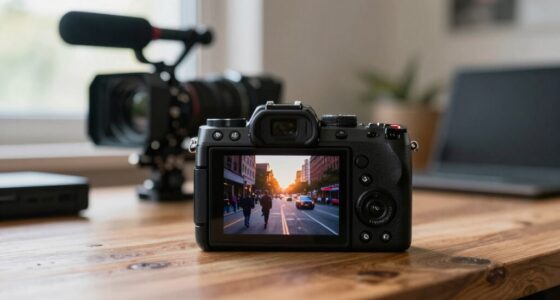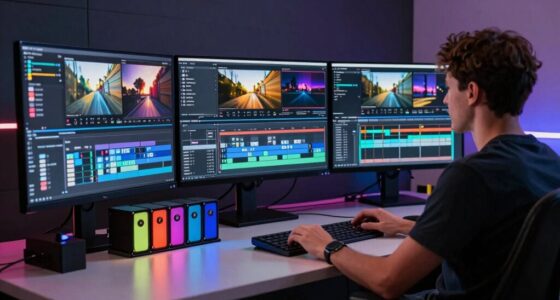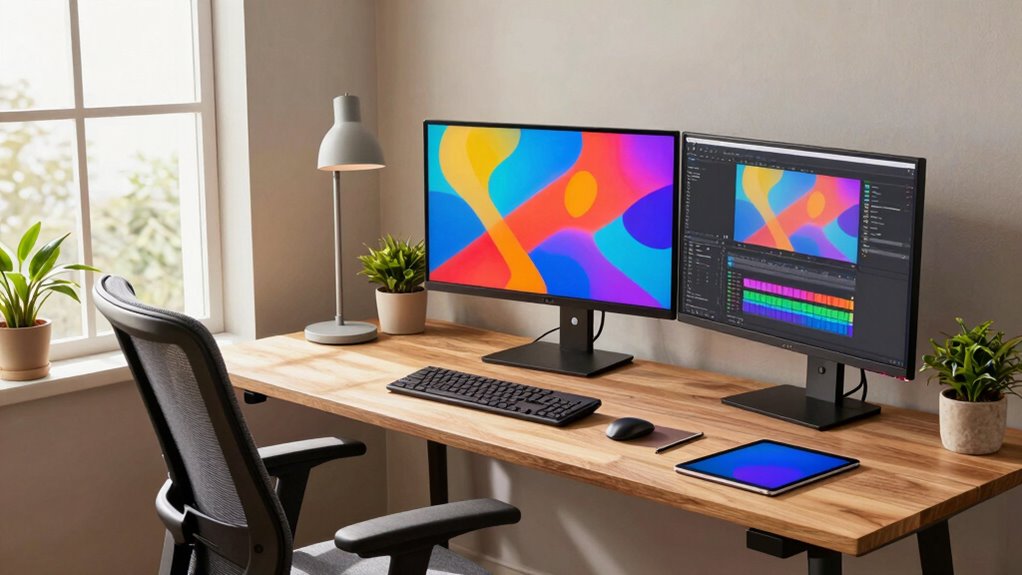

To make a good creator workstation for long sessions, prioritize comfort and sound quality. Use an adjustable ergonomic chair with lumbar support and keep your monitor at eye level to prevent strain. Invest in a quality microphone and soundproofing to boost audio clarity. Confirm your lighting is bright and natural when possible, reducing eye fatigue. Stay organized with cable management and workspace accessories. Keep exploring for tips that can help you create an efficient, comfortable setup tailored to your needs.
Key Takeaways
- Prioritize ergonomic furniture and adjustable equipment to maintain comfort during extended periods.
- Ensure high-quality microphones and soundproofing for clear communication and sound clarity.
- Optimize lighting with adjustable, natural, or daylight-mimicking sources to reduce eye strain.
- Organize workspace with cable management and storage to enhance focus and minimize distractions.
- Incorporate ergonomic accessories like wrist rests and footrests to support proper posture and reduce fatigue.
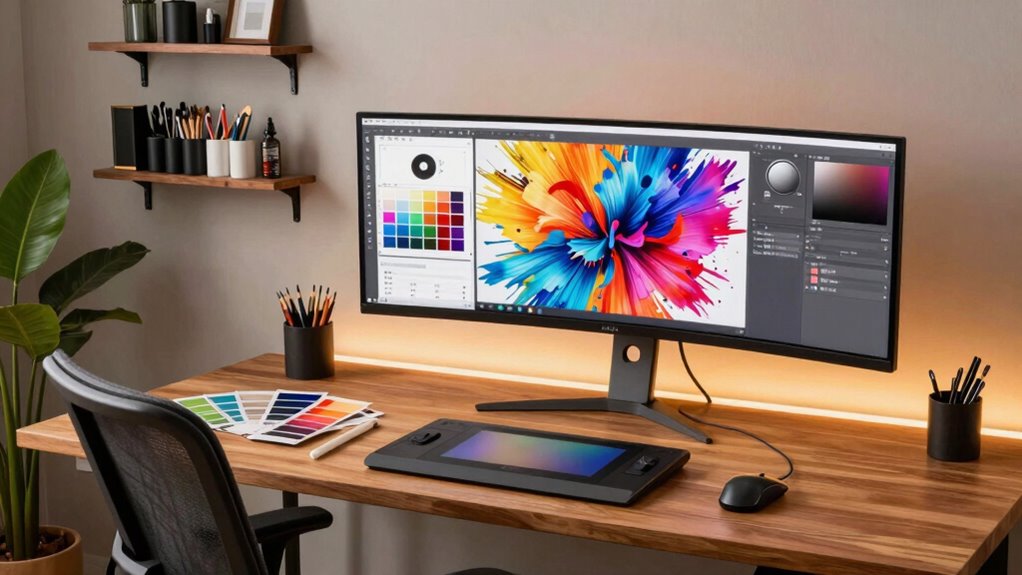
Creating a high-quality workstation is essential if you want to boost your productivity and activate your creativity. When you spend long hours working, every detail counts—your setup, comfort, and tools all play a role in how well you perform. One key aspect is your ability to control your voice modulation. Whether you’re recording voiceovers, streaming, or just communicating with colleagues, clear and adaptable voice communication makes a big difference. Investing in a good microphone and soundproofing can help you maintain vocal clarity, so you don’t strain your voice or sound muffled. This guarantees that your voice remains expressive and professional, even during extended sessions.
Equally important is ergonomic design. You need a workspace that supports your body’s natural posture, preventing fatigue and discomfort over time. An adjustable chair with proper lumbar support allows you to sit comfortably for hours without risking back pain. Your desk height should align with your seated position so that your arms rest naturally on the surface, reducing strain on your shoulders and wrists. A well-designed ergonomic setup also includes monitor placement—your screen should be at eye level to avoid neck strain, and your keyboard and mouse should be positioned to keep your wrists straight. This focus on ergonomic design not only minimizes physical discomfort but also helps maintain your concentration and energy levels during long creative sessions.
Lighting plays a subtle yet vital role in your workstation. You want bright, adjustable lighting that reduces eye strain and creates a pleasant environment. Natural light is best, but if that’s not possible, invest in quality LED lights that mimic daylight. Proper lighting enhances focus and reduces fatigue, enabling you to work longer without feeling drained. Additionally, organizing your workspace efficiently keeps distractions at bay—use cable management, dedicated storage, and a clutter-free environment to streamline your workflow. Incorporating biodiversity-inspired design elements, such as natural materials or plant life, can also promote well-being and reduce stress during long work periods. Paying attention to workplace ergonomics can further improve comfort and productivity, making your long hours more sustainable. Creating a comfortable environment through thoughtful design can significantly impact your ability to sustain focus and creativity. Furthermore, using ergonomic accessories like wrist rests or footrests can enhance your overall comfort during extended work sessions.
ergonomic adjustable office chair with lumbar support
As an affiliate, we earn on qualifying purchases.
As an affiliate, we earn on qualifying purchases.
Frequently Asked Questions
How Important Is Ergonomic Design in a Creator Workstation?
Ergonomic design is vital in a creator workstation because it directly impacts your comfort and productivity during long sessions. Using ergonomic accessories like adjustable chairs, wrist supports, and monitor stands helps optimize your posture, reducing strain and fatigue. When your workspace is ergonomically sound, you can focus better, work longer without discomfort, and prevent long-term health issues. Prioritizing ergonomic design guarantees your creative flow remains uninterrupted.
What Are the Best Lighting Options for Long Work Sessions?
The best lighting options for long work sessions combine ambient lighting with task illumination. You should use soft, adjustable ambient lighting to reduce eye strain and create a comfortable environment. Additionally, incorporate focused task lights, like adjustable desk lamps, to illuminate your work area precisely. This combination helps prevent fatigue, improves visibility, and keeps you alert, ensuring you stay productive and comfortable during extended creative sessions.
How Can Soundproofing Improve Productivity in a Creator Workspace?
Imagine a sanctuary of focus—soundproofing transforms your workspace into one, silencing distractions like a fortress. Soundproofing benefits include noise reduction techniques that minimize interruptions, allowing you to concentrate deeply. By blocking out external noise, you create a calmer environment, boosting productivity and creativity. Whether adding acoustic panels or sealing gaps, these measures guarantee your long sessions remain uninterrupted, helping you stay in the flow and produce your best work.
What Are the Latest Technological Upgrades for Creator Workstations?
The latest tech upgrades for your creator workstation include enhanced processors and graphics cards, boosting performance during intensive tasks. You can now integrate virtual collaboration tools, making teamwork seamless, even remotely. Cloud storage solutions offer ample space and easy access to your files from anywhere. These upgrades keep your workspace efficient, allowing you to focus on your creativity without technical interruptions, ensuring long sessions are productive and inspiring.
How Should I Organize Cables Effectively in My Workstation?
Ever wonder how to keep your workspace tidy? You should start with proper cable management by using cable ties or sleeves to bundle cords and prevent tangling. Position your power strip strategically to avoid clutter and guarantee easy access. Route cables along desk edges or behind monitors to hide them from sight. Regularly check and re-organize your cables to maintain a clean, efficient, and distraction-free environment for long creative sessions.
studio-quality microphone for streaming
As an affiliate, we earn on qualifying purchases.
As an affiliate, we earn on qualifying purchases.
Conclusion
Your workstation is the lighthouse guiding your creative voyage through long sessions. It’s the sturdy anchor amid swirling storms of ideas, keeping you grounded and focused. As you build your space, remember it’s not just about tools but about creating a sanctuary where your passions can flourish. When your environment reflects your inner fire, every project becomes a journey, not just a task. Embrace your lighthouse—your perfect workspace—and let your creativity shine brightly through the night.
LED daylight mimicking desk lamp
As an affiliate, we earn on qualifying purchases.
As an affiliate, we earn on qualifying purchases.
cable management and organization accessories
As an affiliate, we earn on qualifying purchases.
As an affiliate, we earn on qualifying purchases.