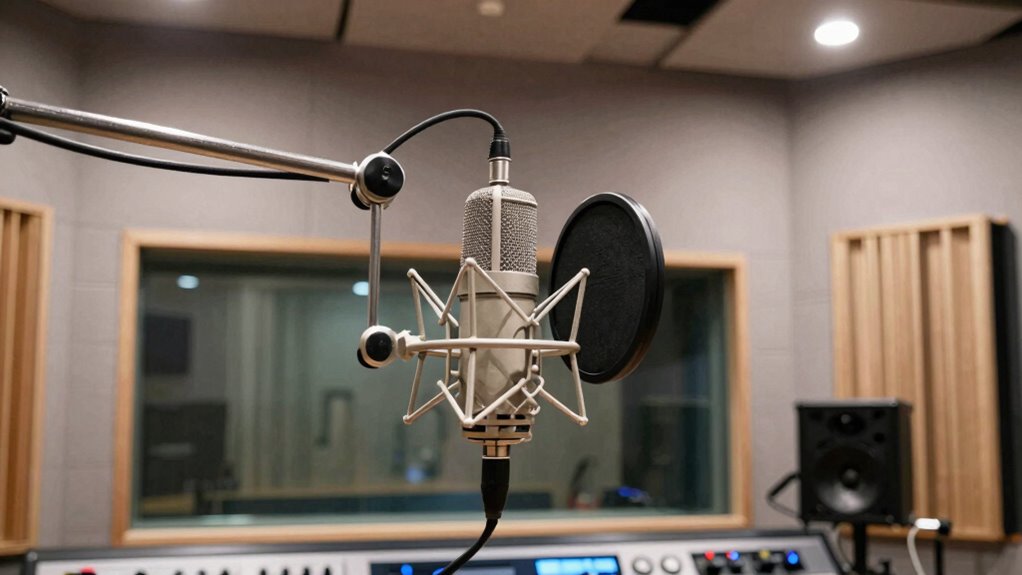

To make dialogue sound clean and expensive, focus on controlling ambient noise and using the right microphone techniques. Place your microphone close to the speaker, aiming it precisely to capture clear voice data while blocking background sounds. Use quality mics suited for your environment, and monitor sound in real-time to catch issues early. Proper environment management and post-production editing further enhance clarity. Keep exploring these techniques to elevate your dialogue quality to professional levels.
Key Takeaways
- Recording in a quiet, soundproofed environment minimizes background noise and enhances clarity.
- Proper microphone placement close to the speaker’s mouth captures clear, focused dialogue.
- Using high-quality, directional microphones reduces ambient noise interference.
- Real-time monitoring allows immediate adjustments for optimal sound quality.
- Post-production editing cleans up any residual noise, ensuring a polished, professional sound.
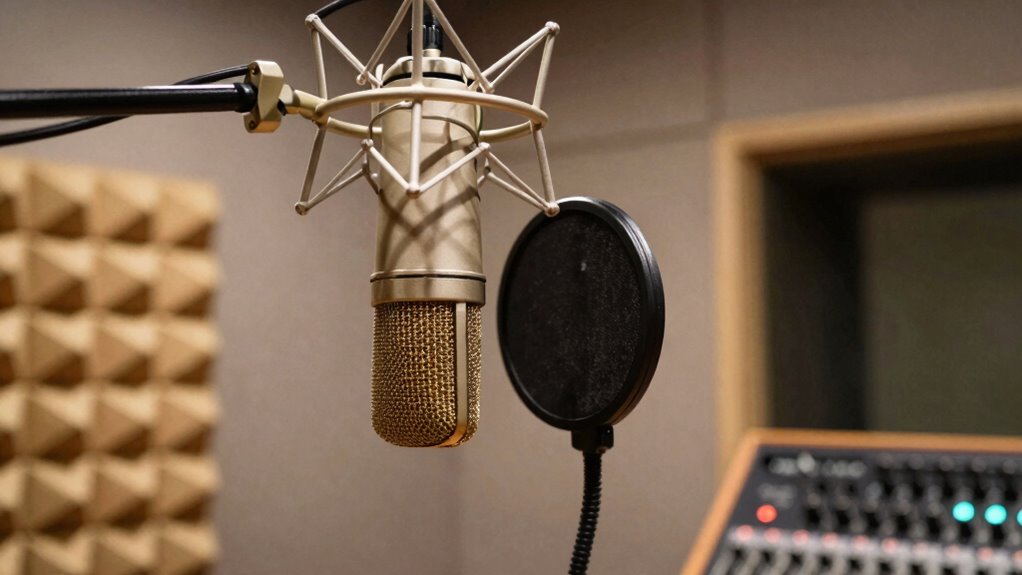
Good dialogue recording is essential for creating clear, immersive audio in film and video productions. When your goal is to achieve a clean, high-quality sound, paying attention to ambient noise and microphone placement is critical. Ambient noise refers to all the background sounds that aren’t part of the dialogue—like traffic, wind, or room hum—and it can quickly muddy a recording if not controlled. To keep dialogue crisp and intelligible, you need to minimize this noise as much as possible. This means choosing a quiet environment, using soundproofing when necessary, and being mindful of where you record.
Effective dialogue recording requires controlling ambient noise and choosing quiet environments for clear, professional sound.
Microphone placement plays an important role in capturing clean dialogue. When you position the microphone effectively, you focus on the speaker’s voice and cut down on unwanted ambient noise. For example, placing the mic close to the speaker’s mouth ensures the voice dominates the recording, reducing the impact of distant sounds. You want the microphone to be at an appropriate distance—not too far, which allows ambient noise to sneak in, and not too close to cause distortion or plosives. A good rule of thumb is to keep the mic about six to twelve inches from the mouth, angled slightly upward or downward depending on the situation. Understanding microphone polar patterns can help you select the best microphone for different scenarios.
Using the right microphone type is equally significant. Shotgun mics are popular for dialogue because their highly directional polar pattern helps isolate the voice from surrounding noise. Lavalier microphones, clipped discreetly onto the speaker’s clothing, are also excellent for capturing clear sound, especially in dynamic environments. Whichever microphone you choose, make sure it’s properly aimed and secured to prevent movement that could ruin the recording quality. Additionally, understanding polar pattern selection allows you to adapt to various recording environments more effectively. Employing soundproofing techniques can further enhance the clarity by reducing unwanted noise in the recording space.
Monitoring the audio as you record is another key factor. Wearing headphones allows you to listen in real time and quickly identify issues like background noise or poor microphone placement. Adjustments can then be made on the spot, saving time during editing and enhancing overall sound quality. Post-production techniques also help in cleaning up dialogue, but the foundation lies in capturing the best possible raw audio.
In essence, a clean, high-quality dialogue recording hinges on controlling ambient noise through effective environment management and precise microphone placement. When you focus on these details, you guarantee the dialogue remains clear, natural, and professional—making your production sound polished and high-end.
professional dialogue microphone
As an affiliate, we earn on qualifying purchases.
As an affiliate, we earn on qualifying purchases.
Frequently Asked Questions
How Does Microphone Placement Affect Dialogue Clarity?
Microphone placement directly impacts dialogue clarity by influencing voice projection and microphone proximity. When you position the mic close to the speaker, it captures clearer, more focused sound, reducing background noise. Proper placement guarantees the voice projects naturally, avoiding muffling or distant quality. You want to keep the microphone at a suitable distance—close enough to pick up details but not so close that plosives or sibilance become problematic.
What Role Does Room Acoustics Play in Recording Quality?
Room acoustics play a vital role in recording quality because they influence sound clarity and background noise. You should focus on room treatment and acoustic optimization by adding diffusers and absorbers to reduce echoes and unwanted reflections. Properly optimized acoustics guarantee your dialogue sounds clean and expensive, allowing voices to come through crisp and natural without muddiness or harsh reverberations. This attention to room environment enhances overall recording professionalism.
How Important Is Choosing the Right Microphone for Dialogue?
Choosing the right microphone is vital for capturing clear dialogue because it enhances voice isolation and minimizes background noise. You want a microphone with appropriate sensitivity—too sensitive, and it’ll pick up unwanted sounds; not sensitive enough, and your voice may sound dull. A well-chosen microphone helps guarantee your dialogue sounds professional, clean, and expensive, making your recordings stand out. Always consider your environment and voice characteristics when selecting your mic.
What Are Common Post-Production Techniques to Enhance Sound?
You enhance sound by applying sound editing techniques that refine clarity and balance. Use dynamic range compression to control volume fluctuations, making dialogue more consistent and polished. Remove background noise and unwanted sounds carefully, ensuring only the dialogue remains crisp. Adjust equalization to boost clarity and warmth. These post-production steps improve overall sound quality, making your dialogue sound clean, professional, and expensive, even if the raw recording wasn’t perfect initially.
How Does Background Noise Impact Dialogue Recording Quality?
Background noise, like ambient interference, greatly impacts dialogue recording quality by making speech harder to understand and reducing clarity. When unwanted sounds are present, it forces you to rely heavily on noise reduction techniques during post-production, which can sometimes make the audio sound unnatural or muffled. To guarantee a clean, professional sound, you should minimize ambient interference during recording and use effective noise reduction tools, preserving the dialogue’s clarity and expense-like quality.
shotgun microphone for recording
As an affiliate, we earn on qualifying purchases.
As an affiliate, we earn on qualifying purchases.
Conclusion
When you focus on capturing clear, high-quality dialogue, your recordings immediately sound more professional and polished. Using good microphones, controlling background noise, and paying attention to placement all make a difference. Did you know that over 70% of viewers say they notice sound quality before visuals? By prioritizing clean dialogue, you make your project more engaging and believable—it’s like giving your audience a window into the story, free of distractions and full of clarity.
As an affiliate, we earn on qualifying purchases.
high-quality lavalier microphone
As an affiliate, we earn on qualifying purchases.
As an affiliate, we earn on qualifying purchases.