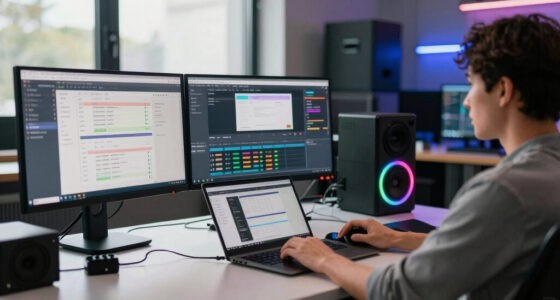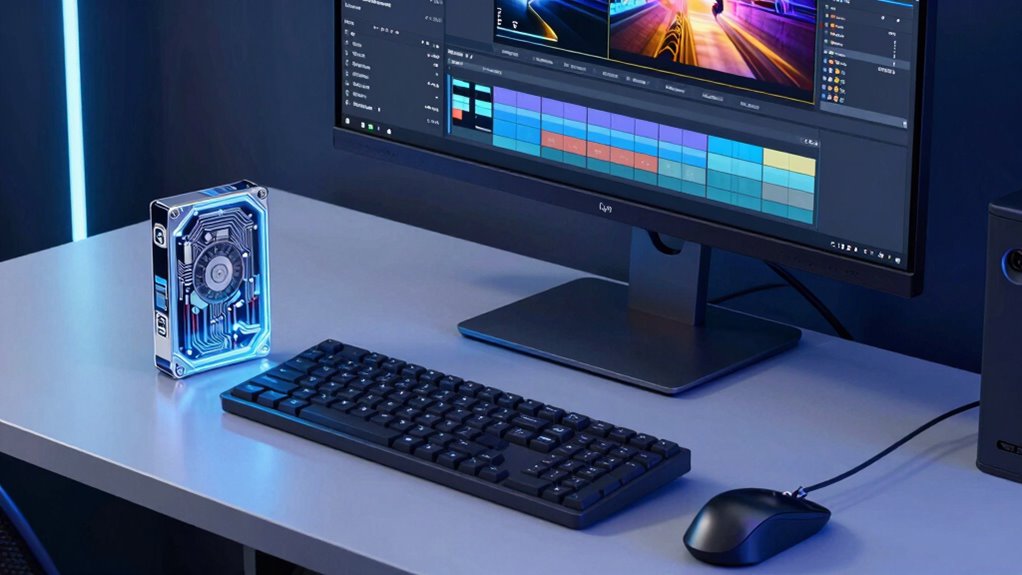

Storage speed for editors determines how quickly your files load, save, and process during editing. Faster storage devices like SSDs ensure smooth data transfer, reducing delays with high-resolution footage and complex graphics. Consistent performance prevents frustrating slowdowns, helping you work efficiently. Compatibility with your hardware is key to maximizing speed, and choosing the right interface guarantees the best results. Keep exploring to discover how selecting the right storage setup can boost your editing workflow even further.
Key Takeaways
- Faster storage reduces loading, saving, and rendering times, enhancing overall editing efficiency.
- High-speed drives like SSDs enable smooth handling of high-resolution footage and complex graphics.
- Consistent storage performance prevents workflow disruptions and unexpected slowdowns during editing.
- Compatibility with editing hardware ensures optimal data transfer speeds and stable performance.
- Proper storage interface selection maximizes data transfer rates, improving responsiveness and productivity.
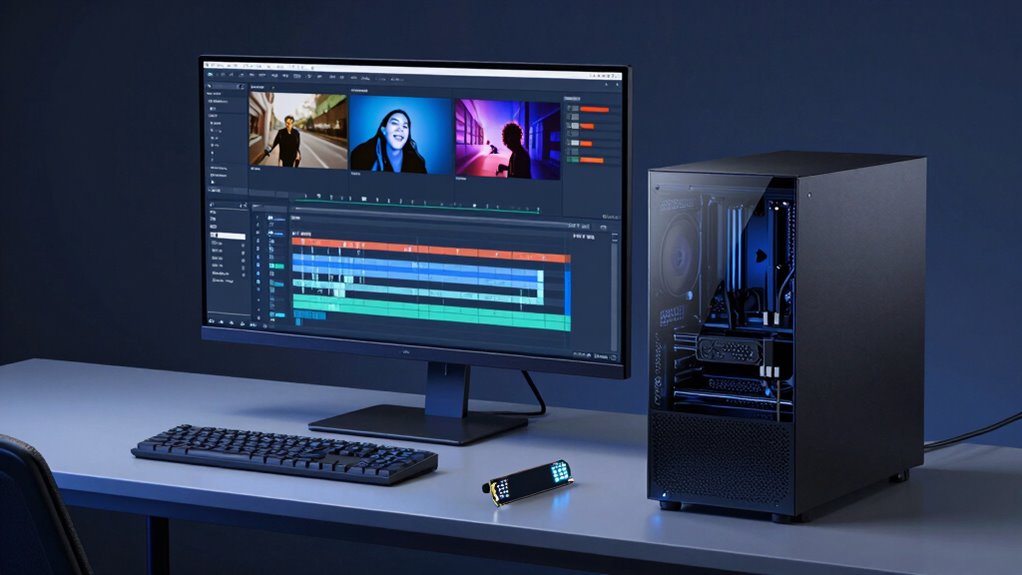
When it comes to editing workflows, storage speed can make or break your productivity. As an editor, you rely heavily on quick access to your files, whether you’re working on high-resolution footage or complex graphics. Slow storage can cause frustrating delays, forcing you to wait for files to load or save, which hampers your momentum. To avoid these bottlenecks, understanding what storage speed really means for your work is essential. Faster storage options, like SSDs, enable rapid data transfer, meaning your edit sessions are smoother, and rendering times are significantly reduced. When your storage device can quickly read and write large files, you’re less likely to experience lag, and your editing software runs more efficiently. Additionally, selecting a storage device with consistent performance can prevent unexpected slowdowns during intensive editing tasks. It’s also important to consider hardware specifications to ensure your entire editing setup supports high-speed data transfer.
Another factor to consider is hardware compatibility. Not all storage devices work seamlessly with your existing setup. You need to ensure that your computer’s ports and controllers support high-speed drives, such as NVMe SSDs, to truly benefit from their performance. Compatibility issues can lead to unreliable performance or, worse, data corruption. It’s worth investing in storage solutions that are specifically designed or tested for your editing environment, whether that’s a desktop workstation or a portable laptop. This way, you’re not just buying fast storage but also ensuring it integrates smoothly into your setup. For optimal workflow, understanding the hardware compatibility of your storage options can save a lot of troubleshooting time later on. Being aware of the storage interface capabilities can help you choose the right drives that maximize your editing efficiency.
As an affiliate, we earn on qualifying purchases.
Frequently Asked Questions
How Does Storage Speed Impact Editing Software Performance?
Storage speed directly impacts your editing software’s performance by affecting data transfer rates and storage latency. Faster storage reduces delays when accessing large files, enabling smoother playback and quicker rendering. When your storage has high latency, you’ll experience lag and dropped frames, disrupting your workflow. Upgrading to SSDs or NVMe drives can markedly improve editing efficiency, making your editing process more responsive and less frustrating.
Is SSD Always Faster Than HDD for Video Editing?
You’ll find SSDs are generally faster than HDDs for video editing, with speeds up to 6 times higher. However, consider storage durability—SSDs tend to last longer under heavy use. While SSDs cost more upfront, their speed boosts can streamline your workflow. HDDs remain a budget-friendly option, but for intensive editing, an SSD’s quick access and reliability make it the better choice for smoother performance.
What Storage Speed Is Ideal for 4K Editing Workflows?
For 4K editing workflows, an ideal storage speed involves SSDs with high data transfer rates, typically around 500 MB/s or more. You want ample storage capacity to handle large video files without constant transfers, and fast data transfer speeds to guarantee smooth playback and editing. Prioritize SSDs over HDDs for quicker access, reduced lag, and streamlined performance, making your editing process more efficient and less frustrating.
Can Slow Storage Cause Rendering Delays?
Yes, slow storage can cause rendering delays because it struggles to quickly read and write the large files involved in editing. This impacts your workflow, increasing wait times. While choosing storage with a lower cost might seem appealing, consider data durability and speed—slower drives may save money but risk data loss and hinder rendering speed. Balancing storage cost, speed, and durability guarantees smoother editing and faster project completion.
How Do Cache and Buffer Sizes Affect Editing Speed?
Cache and buffer sizes directly impact your editing speed through cache optimization and buffer management. Larger cache sizes allow more data to be stored temporarily, reducing loading times and easing playback. Proper buffer management ensures smooth editing by handling data flow efficiently, preventing lag or stuttering. By optimizing cache and buffers, you guarantee delays, streamline workflows, and enjoy faster rendering and editing experiences, especially with high-resolution or complex projects.
high-speed external SSD for editing
As an affiliate, we earn on qualifying purchases.
As an affiliate, we earn on qualifying purchases.
Conclusion
Think of your storage speed like the highway your data travels on. When you choose faster drives, you’re like upgrading from a narrow alley to a multi-lane highway—your editing workflow speeds up, and deadlines become less intimidating. I once watched a colleague switch to an SSD, and their project load times shrank from minutes to seconds. Don’t get stuck in traffic—invest in speed, and keep your creative flow moving smoothly.
As an affiliate, we earn on qualifying purchases.
As an affiliate, we earn on qualifying purchases.