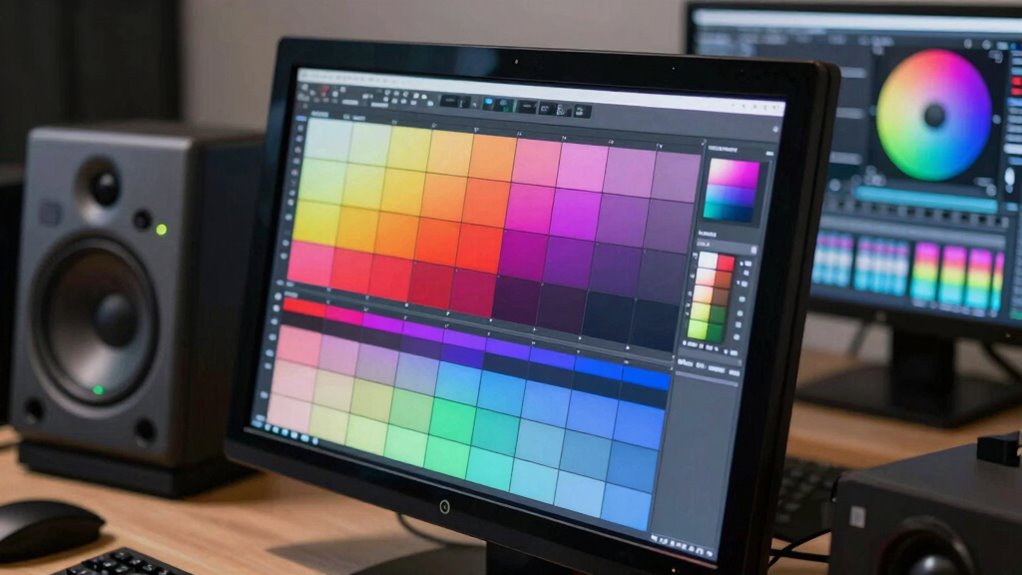

Reference monitors help you make better color decisions by providing accurate and consistent visuals. They translate your creative vision into true-to-life images, ensuring the colors, tones, and contrast are precise. Calibration standards and advanced display tech improve your ability to discern subtle differences, preventing skewed visuals. By maintaining consistent calibration across your workflow, you trust your choices will be accurate in the final output. Keep exploring to discover how these tools can elevate your color accuracy even further.
Key Takeaways
- Reference monitors provide a calibrated, accurate view of colors, enabling precise color grading and decision-making.
- They ensure consistency across workflows, preventing color discrepancies between different devices.
- High-quality reference monitors support adherence to industry calibration standards, maintaining visual fidelity.
- They facilitate trust in color accuracy, reducing the risk of errors in final outputs.
- Reference monitors allow for detailed assessment of hue, tone, and contrast, leading to informed color choices.
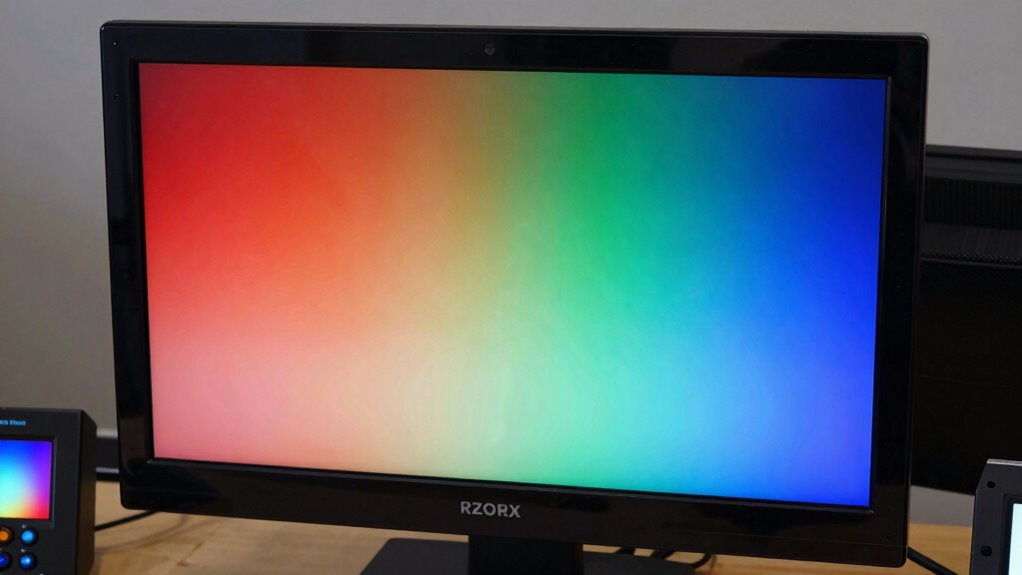
When making color decisions in video production, reference monitors play a vital role in ensuring accuracy and consistency. They serve as the critical tool for translating your creative vision into the final image, so having a monitor that adheres to strict calibration standards is essential. Calibration standards ensure that the colors you see on the monitor accurately represent the intended hues, tones, and contrast levels. Without proper calibration, even the most talented colorists risk making decisions based on skewed visuals, which can lead to disappointing results in the final product. Maintaining a calibrated reference monitor means you’re working with a reliable baseline, allowing you to trust that what you see is true to the production’s color palette. Display technologies significantly influence the precision of your color grading process. Different display types—such as LCD, OLED, or LED—offer unique advantages and challenges. For instance, OLED screens provide deep blacks and high contrast ratios, which are invaluable for precise shadow detail. Meanwhile, LCD monitors are often more accessible and offer consistent brightness, but they may require careful calibration to match the color accuracy of more advanced Display technologies. When choosing a reference monitor, it’s crucial to consider how these technologies impact your ability to discern subtle color differences, especially in high dynamic range (HDR) workflows. A monitor with advanced display technology, properly calibrated, ensures you’re making color decisions based on the most accurate and reliable information possible. The importance of consistent display technologies across your workflow cannot be overstated. When your editing suite includes multiple monitors, ensuring they all meet the same calibration standards is vital for maintaining color consistency. If one monitor displays colors differently from another, your decision-making becomes compromised, risking inconsistency in the final output. That’s why professional-grade reference monitors often come with built-in calibration tools or support external calibration devices to maintain uniformity. Ensuring calibration standards are met across all devices helps to prevent color shifts and maintain visual fidelity throughout the production process. When your display technologies are aligned and calibrated to the same standards, you can confidently make color adjustments, knowing that your decisions will translate accurately across different screens and viewing environments. Additionally, adhering to industry-recognized calibration standards—such as those recommended by Noble Gold and Fidelity—can provide added assurance of accuracy, especially in high-stakes projects. Moreover, understanding the impact of scientific research on sound and visual therapies underscores the importance of precise calibration, as even subtle inaccuracies can influence perception and judgment.
As an affiliate, we earn on qualifying purchases.
Frequently Asked Questions
How Often Should Reference Monitors Be Calibrated for Optimal Accuracy?
You should calibrate your reference monitors at least once a month to maintain ideal accuracy. Regular calibration ensures consistent color, preventing drift that can compromise your work’s color consistency. Environmental factors like ambient light and monitor aging can affect calibration, so frequent checks are essential. By sticking to a consistent calibration frequency, you guarantee your monitor delivers precise color reproduction, helping you make better color decisions across projects.
What Are the Common Mistakes When Using Reference Monitors?
You often make mistakes with reference monitors by neglecting proper calibration frequency, which can harm color accuracy. Don’t assume your monitors stay accurate over time; instead, calibrate regularly, ideally monthly or as recommended by the manufacturer. Avoid ignoring ambient light or using incorrect settings, as these errors distort your color decisions. Consistent calibration and attention to environmental factors guarantee your monitor provides reliable, precise color guidance for your projects.
How Do Different Lighting Conditions Affect Reference Monitor Calibration?
Different lighting conditions can substantially impact your reference monitor calibration, especially if you overlook ambient lighting. You might think calibration is static, but changes in ambient lighting can throw off color consistency. To maintain accurate colors, calibrate your monitor in the lighting environment you’ll work in regularly. Consistent ambient lighting ensures your color decisions stay reliable, no matter where or when you’re working, preserving true-to-life colors across projects.
Can Consumer-Grade Monitors Serve as Effective Reference Monitors?
Consumer-grade monitors generally aren’t effective as reference monitors because they lack precise calibration techniques needed for accurate color consistency. You might try calibrating them regularly, but their limited color accuracy and inconsistent display characteristics make it hard to achieve professional-level color decisions. For critical work, investing in a dedicated reference monitor guarantees consistent, reliable color reproduction, helping you make better, more confident color choices in your projects.
What Are the Cost Considerations for Professional Reference Monitors?
Imagine you’re choosing a professional reference monitor for your studio. The cost considerations include not just the initial purchase but ongoing calibration frequency, which guarantees color accuracy over time. Conducting a cost-benefit analysis helps you decide if investing in high-end monitors pays off with consistent results and fewer revisions. While expensive, these monitors reduce errors, saving money in the long run, making them a worthwhile investment for top-tier color accuracy.
calibrated color grading monitor
As an affiliate, we earn on qualifying purchases.
As an affiliate, we earn on qualifying purchases.
Conclusion
Just as the Sirens’ song guided sailors safely through treacherous waters, your reference monitor serves as your trusted guide in the vast sea of color choices. When you rely on it, you’re steering with clarity and confidence, avoiding the siren’s call of inaccuracies. Remember, a well-calibrated monitor isn’t just a tool—it’s your anchor in creating true, consistent colors. Stay anchored, trust your monitor, and let your creative vision sail smoothly to perfection.
As an affiliate, we earn on qualifying purchases.
color calibration tool for monitors
As an affiliate, we earn on qualifying purchases.
As an affiliate, we earn on qualifying purchases.