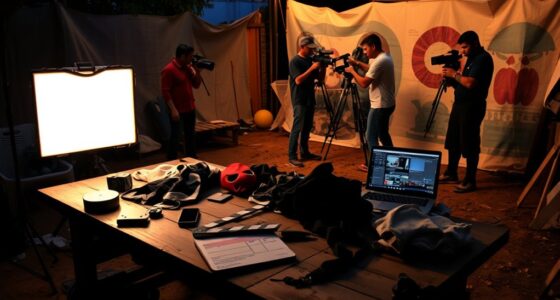

To organize your post-production workflow effectively, start by clearly labeling and structuring your assets with folders and consistent naming conventions. Develop a logical sequence, beginning with rough cuts and refining before color grading and sound design. Use markers and labels to keep track of key points, and regularly back up files and employ versioning. Preview your project on different devices for quality control. Keep your process tidy and disciplined, and you’ll master a streamlined workflow — discover more tips ahead.
Key Takeaways
- Organize assets with clear labels, folders, and consistent naming conventions for easy retrieval.
- Establish a structured editing sequence, starting with rough cuts and refining before color grading and sound design.
- Use adjustment layers or nodes for non-destructive color grading, maintaining visual consistency across scenes.
- Incorporate sound after picture is roughly settled, ensuring synchronization and emotional impact.
- Regularly back up files, utilize versioning, and preview on multiple devices to ensure quality and prevent data loss.
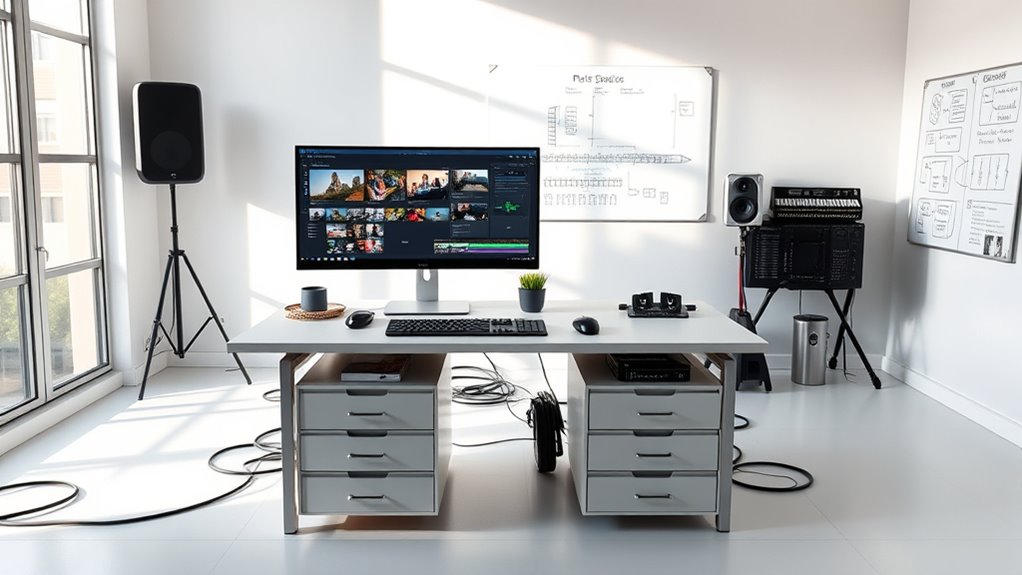
Efficient post-production is *vital* to turning your raw footage into a polished final product, but without a clear workflow, the process can quickly become overwhelming. To stay on track, start by organizing your assets meticulously. Label your clips clearly, create folders for different scenes, and keep your project files structured. This way, when it’s time to work on color grading or sound design, you won’t waste precious minutes searching for the right footage. Consistency in naming conventions helps maintain a smooth workflow, especially if you’re collaborating with others.
Once your assets are organized, establish a logical sequence for editing. Begin with rough cuts to shape your story, then refine your edits before diving into detailed processes like color grading. As you proceed, keep your timeline tidy by utilizing markers and labels to denote key points or effects. This approach simplifies revisiting specific sections later, particularly during color grading, where matching tones across scenes is *vital*, or sound design, where syncing audio cues matters. A clean timeline minimizes confusion and *guarantees* you can focus on enhancing each element without unnecessary distractions.
Color grading deserves special attention early in your workflow. It transforms the visual tone and mood of your project, so it’s best to approach it systematically. After completing your rough cut, create a dedicated color grading phase. Use adjustment layers or nodes to maintain non-destructive edits, and develop a consistent color palette across scenes. This consistency makes the final product more cohesive and visually appealing. Similarly, sound design should be integrated thoughtfully. Once your picture is roughly settled, add ambient sounds, effects, and dialogue edits. Sound design enhances storytelling by guiding viewers’ emotions and emphasizing key moments, so don’t rush this stage.
Additionally, understanding the importance of contrast ratio can help you make informed decisions during color grading and image adjustments, ensuring your project maintains visual clarity and impact. Throughout post-production, maintain regular backups of your project files. This prevents data loss and allows you to experiment without fear. Utilize versioning to save different iterations, so you can compare changes or revert if needed. As you work on color grading and sound design, preview your project frequently on different devices and screens to ensure your color choices and audio mix translate well everywhere. This step helps you catch inconsistencies early, saving time later.
Finally, stay disciplined by setting deadlines for each phase. Breaking the process into manageable segments keeps you motivated and prevents bottlenecks. With a clear organization system, a structured workflow, and attention to detail in color grading and sound design, you streamline your post-production process, making it less stressful and more productive. When you finish, you’ll have a polished, professional project that effectively communicates your vision.
professional video editing external hard drive
As an affiliate, we earn on qualifying purchases.
As an affiliate, we earn on qualifying purchases.
Frequently Asked Questions
How Do I Prioritize Tasks in My Post-Production Workflow?
You should start by evaluating each task’s importance and deadline, then use task scheduling to set clear priorities. Focus on high-impact tasks first, especially those with tight deadlines, to keep your project on track. Break larger tasks into manageable steps, and regularly review your progress. Effective deadline management ensures you allocate time wisely, avoiding last-minute stress and ensuring all post-production elements are completed efficiently and on schedule.
What Tools Best Streamline Collaboration Among Post-Production Team Members?
You should use cloud-based storage tools like Frame.io or Adobe Creative Cloud to streamline collaboration. These platforms enable real-time collaboration, allowing your team to review, comment, and make edits simultaneously. They also keep all assets centralized and accessible from anywhere, reducing delays and miscommunication. By adopting these tools, you guarantee a smooth, efficient post-production process where everyone stays on the same page effortlessly.
How Can I Manage Large Media Files Efficiently During Editing?
Handling large media files is like juggling fire—dangerous but manageable. To do this efficiently, you need solid media management and reliable storage solutions, such as high-capacity external drives or network-attached storage (NAS). Use dedicated media management software to organize files, and regularly back up to prevent data loss. This way, you’ll streamline your editing process, avoid bottlenecks, and keep your workflow smooth as silk.
What Are Common Pitfalls to Avoid in Organizing Post-Production?
You should avoid common pitfalls like inconsistent file naming and poor version control, which can cause confusion and delays. Always use clear, descriptive file names and maintain a logical folder structure to keep track of your media. Regularly update version control to prevent overwriting important edits. These habits help guarantee your post-production process remains smooth, organized, and efficient, saving you time and frustration.
How Should I Document My Workflow for Future Projects?
You should document your workflow by implementing metadata management and strict version control. Start by recording each step, noting file formats, software settings, and decision points. Use clear labels and consistent naming conventions, and save different versions systematically. This approach guarantees you can track changes, revisit previous stages, and maintain organization across future projects, making your workflow more efficient and easier to troubleshoot or adapt as needed.
color grading adjustment layers software
As an affiliate, we earn on qualifying purchases.
As an affiliate, we earn on qualifying purchases.
Conclusion
By seamlessly organizing your post-production workflow, you’re gently guiding your project toward its best version. When you embrace a clear system, you’ll find the process flows smoothly, and creative energy stays high. A well-structured approach lets you sidestep potential pitfalls, keeping frustration at bay. So, trust in your organization skills—your masterpiece is just a well-planned step away. With a little effort now, you’ll enjoy a more rewarding, stress-free finish.
video editing project backup solution
As an affiliate, we earn on qualifying purchases.
As an affiliate, we earn on qualifying purchases.
audio editing sound design headphones
As an affiliate, we earn on qualifying purchases.
As an affiliate, we earn on qualifying purchases.