Video editing laptops need different strengths than gaming laptops because they focus on color accuracy, high-resolution displays, and processing power for detailed tasks. While gaming devices emphasize fast graphics and refresh rates for smooth gameplay, editing laptops prioritize precise visuals and longer battery life for extended work sessions. This balance ensures you get the right hardware for creative projects, not just gaming performance. Keep exploring to discover how these differences impact your workflow and device choices.

Get movie nights delivered free with Prime
- Fast, free delivery on millions of items
- Prime Video, Amazon Music and more included
- Member-only deals all year
Key Takeaways
- Video editing requires color-accurate displays and high-resolution screens for precise visual work, unlike gaming-focused high-refresh-rate screens.
- Longer battery life is essential for video editing laptops to support extended workflows without frequent recharging.
- Video editing hardware prioritizes high-speed data transfer ports for professional peripherals and external drives.
- Processing power in video editing laptops is optimized for rendering and editing large multimedia files efficiently.
- Thermal management in video editing devices balances sustained performance with heat control during prolonged use.
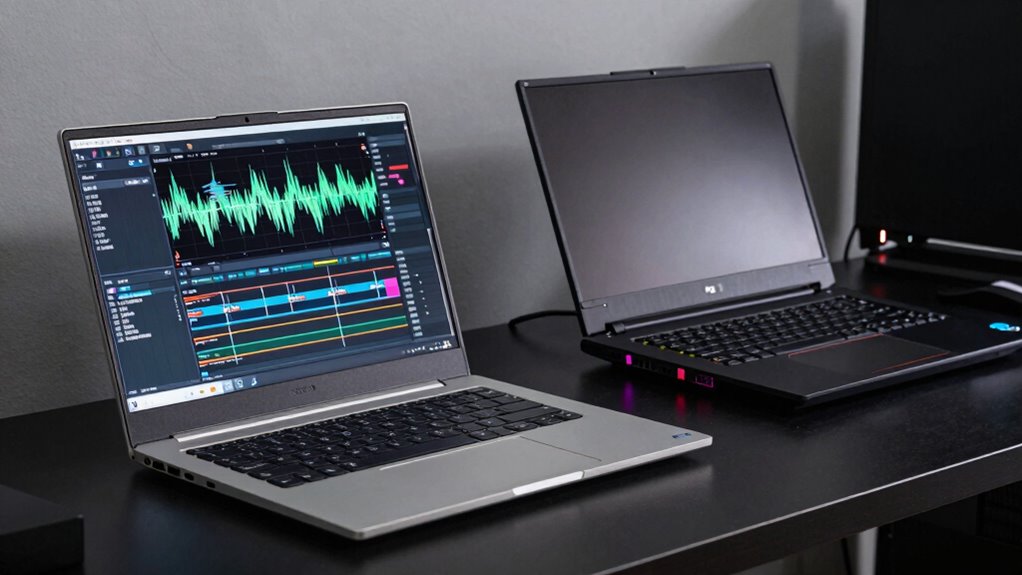
When choosing a laptop, you might wonder whether a device designed for gaming or one built for video editing better suits your needs. The answer hinges on understanding what each type of laptop prioritizes. Gaming laptops are built for high performance during intense graphics and fast-paced action, often featuring powerful GPUs, high refresh rate screens, and sleek designs. Video editing laptops, on the other hand, emphasize color accuracy, processing power, and extended usability over long periods, which influences their design and hardware choices.
One key difference is in battery life. Gaming laptops tend to drain batteries quickly because they run demanding graphics and processing tasks, especially during extended gaming sessions. If you plan to work on videos away from power sources, a gaming laptop might frustrate you with constant charging needs. Conversely, video editing laptops are optimized for longer battery life, allowing you to work on projects for hours without constantly searching for an outlet. This difference is crucial if your workflow involves traveling or working in locations where power outlets are limited.
Port selection is another important factor. Gaming laptops typically come with a variety of ports, including multiple USB-C, USB-A, HDMI, DisplayPort, and sometimes even Thunderbolt options, to connect gaming accessories, external monitors, or VR equipment. Video editors also benefit from a broad port selection, especially if they rely on external drives, high-resolution monitors, or audio interfaces. However, they might prioritize ports that support data transfer speeds and compatibility with professional equipment. A gaming laptop’s ports are often designed for versatility and gaming peripherals, but a video editing laptop’s ports tend to focus on supporting professional workflows with high-speed data transfer. Choosing the right ports can significantly impact your productivity and setup flexibility.
Beyond these specifics, the hardware focus reflects their different goals. Gaming laptops often feature high-refresh-rate screens, which are great for smooth gameplay but less critical for video editing, where color accuracy and resolution take precedence. Video editing laptops are designed to deliver precise color reproduction and high-resolution displays, which are essential for detailed editing work. Additionally, recent advancements in display technology have made professional-grade color accuracy more accessible, influencing the design of dedicated editing devices. Many modern devices now incorporate professional-grade displays, highlighting the growing importance of accurate visuals in creative workflows. Furthermore, the importance of hardware optimization for specific tasks influences how manufacturers balance performance and efficiency in these devices. In addition, manufacturers are increasingly focusing on thermal management to prevent overheating during intensive editing sessions, which can impact performance and longevity.
Ultimately, while gaming laptops can handle some video editing tasks, they’re not optimized for it. Their hardware choices are made to enhance gaming performance, sometimes at the expense of battery life or display fidelity. Video editing laptops are tailored to meet the demands of creative professionals who need longer battery life, accurate color representation, and ports that facilitate a seamless editing experience. Knowing these differences helps you pick a device that aligns with your specific needs, rather than just chasing raw power.
color accurate 4K laptop for video editing
As an affiliate, we earn on qualifying purchases.
As an affiliate, we earn on qualifying purchases.
Frequently Asked Questions
How Does Battery Life Impact Video Editing Performance?
Battery life directly impacts your video editing performance by affecting your workflow and productivity. With better battery longevity and power efficiency, you can work longer without needing to plug in, especially during on-the-go editing sessions. A laptop with optimized power management allows you to focus on editing deadlines without interruptions. Poor battery life can lead to frustrations and workflow disruptions, making it essential to choose a device that balances performance with energy efficiency.
Are Portability Differences Significant Between Editing and Gaming Laptops?
Portability differences are quite significant between editing and gaming laptops. You’ll notice that editing laptops often prioritize lighter weight considerations for easier transport, especially if you’re on the go. Their design aesthetics lean towards sleek, professional looks, making them suitable for various environments. Gaming laptops, meanwhile, tend to be heavier and bulkier to accommodate high-performance hardware. If portability matters most, editing laptops generally offer a better balance of power and convenience.
Do Cooling Systems Differ for Video Editing Versus Gaming Laptops?
Cooling systems differ markedly between video editing and gaming laptops because each demands unique thermal management. You’ll find gaming laptops often have more aggressive cooling efficiency, like a wildfire, to handle intense graphics processing. Video editing laptops prioritize stable thermal management to prevent overheating during long sessions. This means their cooling systems are tailored to maintain consistent performance, ensuring your work stays smooth without thermal throttling or overheating concerns.
How Important Are Color Accuracy Features in Editing Laptops?
Color accuracy features are essential in editing laptops because they guarantee your work reflects true colors. You should prioritize options with precise color calibration and reliable display calibration tools. These features help you see consistent, accurate colors across different devices and screens, which is critical for professional editing. Without proper color calibration, your edits might look great on your laptop but appear off on other displays, affecting your final output quality.
Can a Gaming Laptop Effectively Handle Professional Video Editing Tasks?
You can definitely use a gaming laptop for professional video editing, but only if it offers strong hardware customization and software compatibility. Did you know that over 60% of video editors prefer laptops with high-end GPUs? Gaming laptops often excel in graphics, but they may lack the precise color accuracy and processing stability needed for editing. So, while effective, make certain your gaming laptop meets your specific editing needs.
high resolution display laptop for professional editing
As an affiliate, we earn on qualifying purchases.
As an affiliate, we earn on qualifying purchases.
Conclusion
As you navigate the world of laptops, remember that a video editing machine isn’t just about raw power—it’s about precision, color accuracy, and seamless performance. Imagine a sleek, steady ship gliding through calm waters, each component working in harmony to keep your creative flow smooth. Unlike a gaming rig built for raw adrenaline, your editing laptop needs a steady heartbeat to bring your visions to life with clarity and grace. Choose wisely, and let your creativity set sail.
laptop with high-speed data transfer ports for video editing
As an affiliate, we earn on qualifying purchases.
As an affiliate, we earn on qualifying purchases.
long battery life laptop for video editing
As an affiliate, we earn on qualifying purchases.
As an affiliate, we earn on qualifying purchases.
Halloween Picks
halloween
As an affiliate, we earn on qualifying purchases.